Unreal Descent 2: Race
Played 3 times.


About Unreal Descent 2: Race
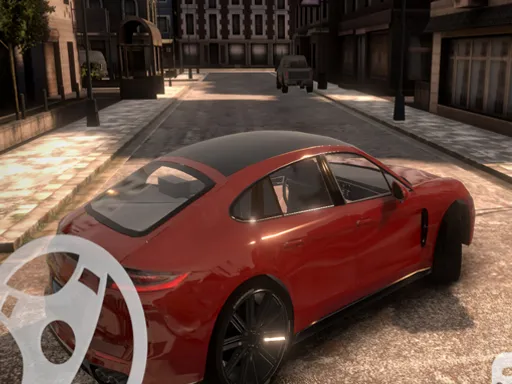
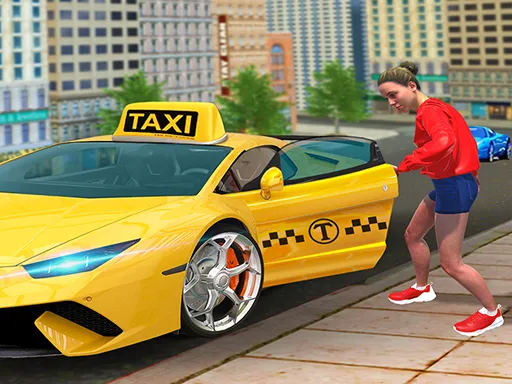
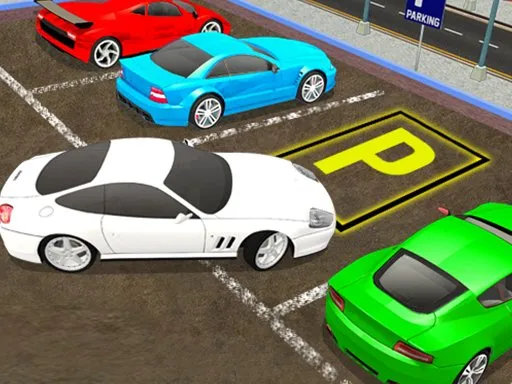
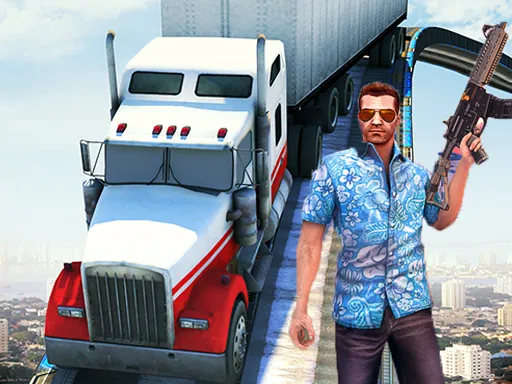
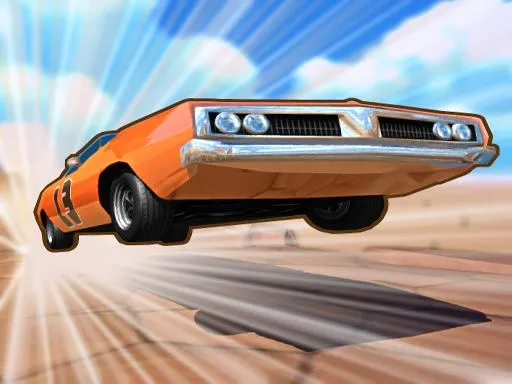
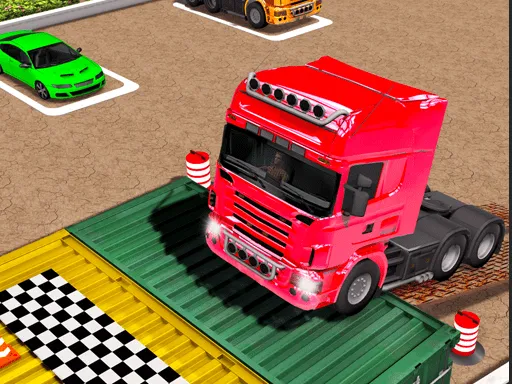
Gravity does half the work in a downhill race, and you handle the rest. Unreal Descent 2: Race is the sequel to an arcade favorite, with improved graphics, added levels and tracks, and a lineup of unusual vehicles that covers cars and bikes.
Speed and reaction decide who comes first, so it is as much a test of nerve as of driving. On a PC you accelerate with W or the up arrow, brake with S or down, steer with A and D or the side arrows, use nitro with C and change the view with F. Phones get a steering wheel and buttons drawn on screen, which you switch on in settings.
Game details
| Genre | Racing |
|---|---|
| Controls | Keyboard + mouse or touch |
| Platform | Browser, phone and tablet |
| Cost | Free, no download |
| Screen | 800 x 600 px |
How to play Unreal Descent 2: Race
- Pick a vehicle and a track.
- Press W or Up to accelerate and S or Down to brake.
- Steer with A and D or Left and Right, and hit C for nitro.
- On a phone, enable the on-screen wheel and buttons in settings.
Tips for Unreal Descent 2: Race
- Save nitro for a straight stretch where you can use it safely.
- Press F to change the view if your current one makes turns hard to judge.
- Brake before steep drops so you stay in control on landing.
Frequently asked questions
Is Unreal Descent 2: Race free to play?
Yes. It is free in your browser, with no download and no sign-up.
What are the controls in Unreal Descent 2: Race?
On PC, W or Up accelerates, S or Down brakes, A, D or the side arrows steer, C is nitro and F changes the view.
Can I play Unreal Descent 2: Race on a phone?
Yes. Phones get a touch wheel and buttons, and you can switch to this mode in the game settings.
More to play: Racing games · 3D games · Arcade games · Car games · Hypercasual games
Categories
Racing 3D Car Arcade Hypercasual
Tags Comments