Free HTML5 Browser Games
8974 games in total. Page 1 of 250


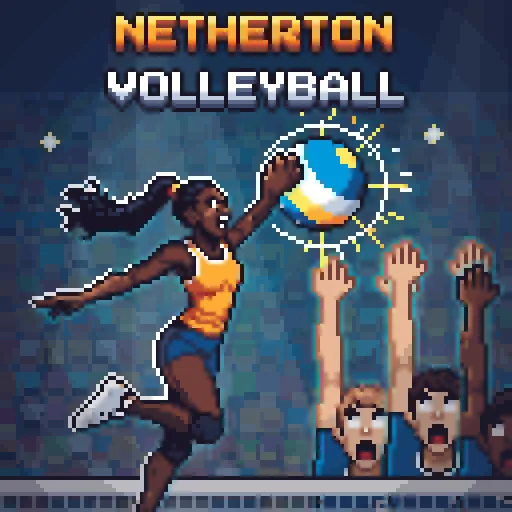
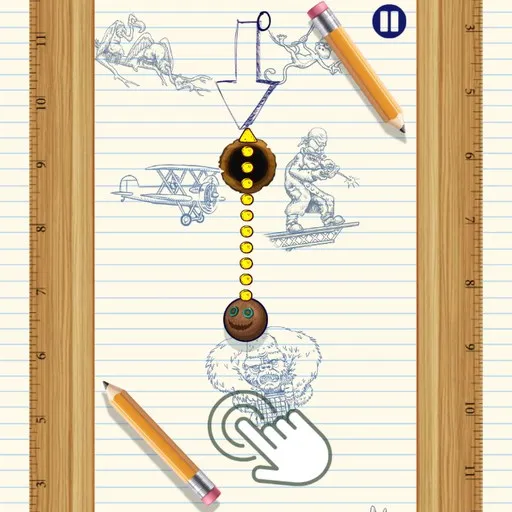
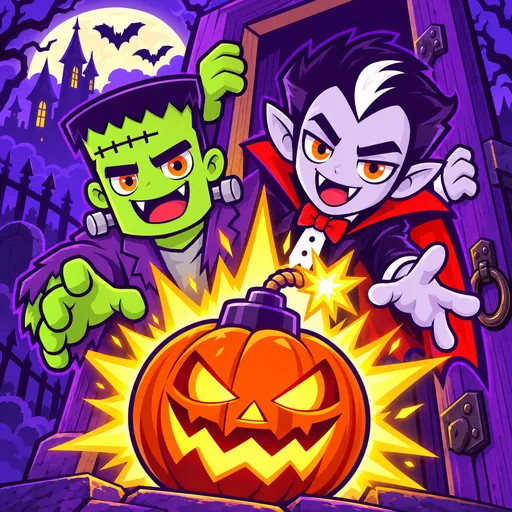




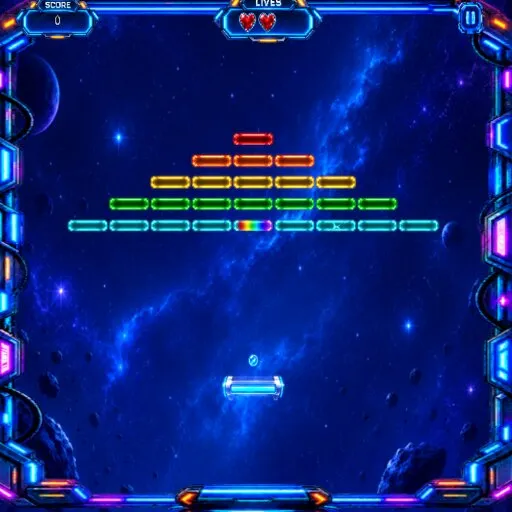
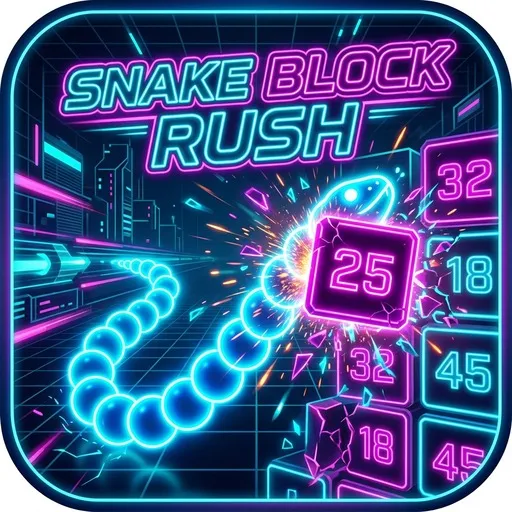
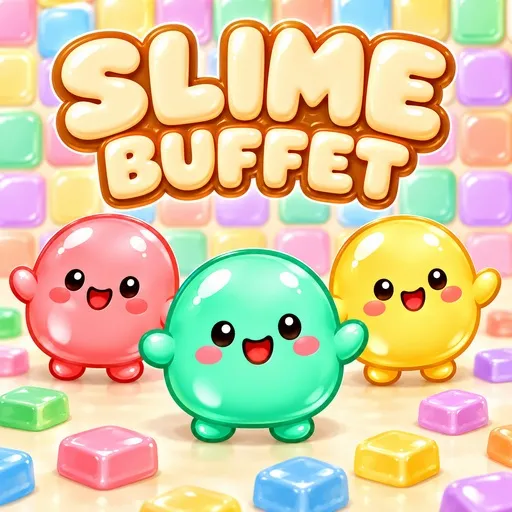
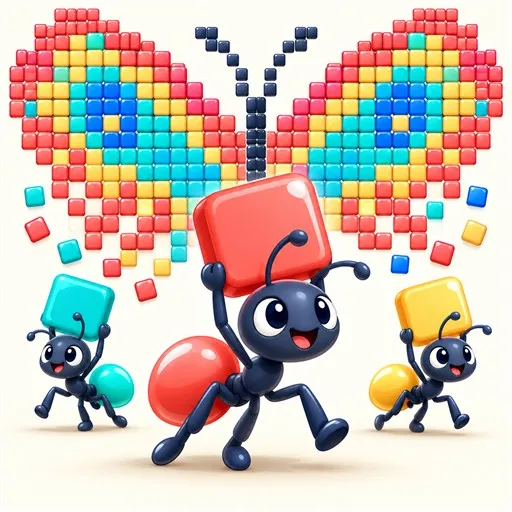
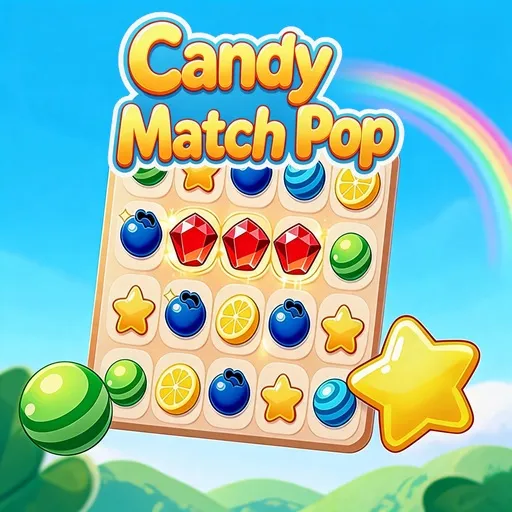

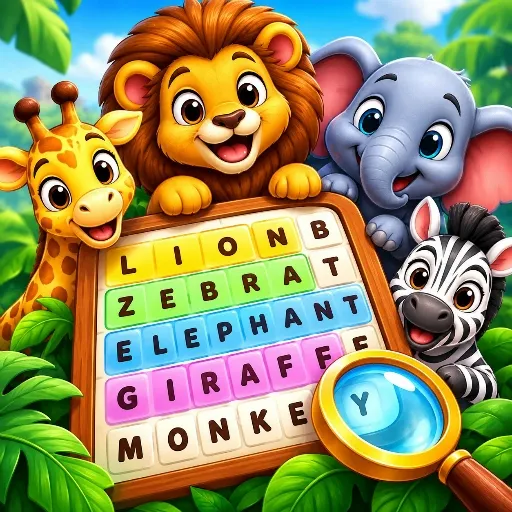
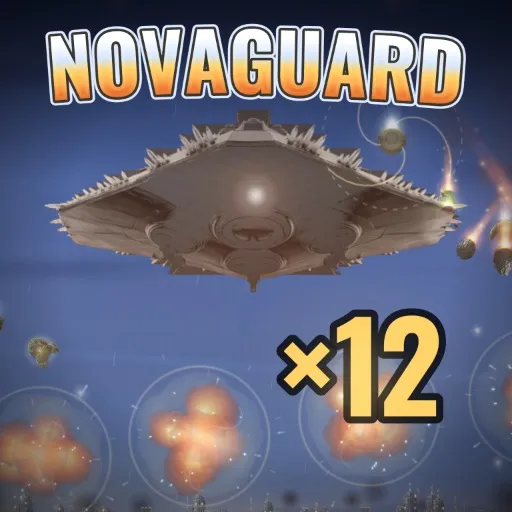
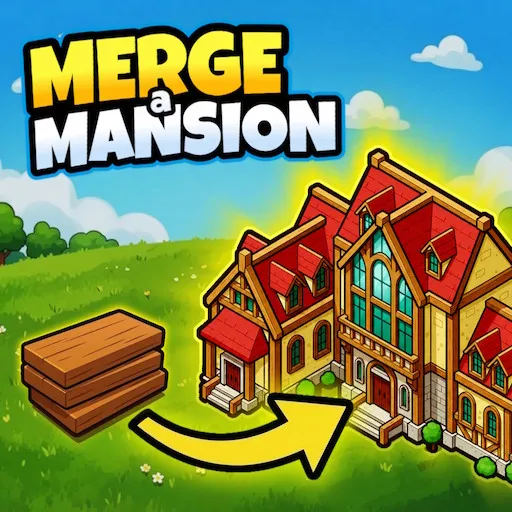




The html5 tag is one of the broadest on the site, attached to thousands of games. It simply means the game runs in a web page using standard technology, so you open it and play, with no extra software. That makes it a catch-all, and you will see everything from Professor Bubble Shooter and Detective Loupe Puzzle to Girls Dress Up and Spiderman Jump.
How to use such a big tag
Because the tag is so general, it works best as a starting point. The most common categories alongside it are puzzle, bubble shooter, kids, skill and girls, and you can follow those to narrow things down. Games such as Hungry Lion and Space ship rise up show the arcade side, while Santa Claus Christmas Time hints at seasonal picks. Choosing a category first and then scanning thumbnails is faster than scrolling the whole list.
Playing is the same everywhere: click or tap, wait a moment for loading, and start. Phones, tablets and computers all work, though games built for a keyboard feel better on a desktop. If you like a game, look for others with its tags, such as puzzle or arcade, and you will find similar ones fast. When a game is slow, a refresh or a steadier connection usually fixes it, and closing other tabs helps too.
Frequently asked questions
What does the html5 tag mean?
It marks games that run in a web browser using standard web technology rather than a plugin or an installed app. In practice, it means you can open a page and play straight away.
How do I find something specific?
Use the categories listed on the page, such as puzzle, kids or bubble shooter, or open the tags on a game you like. Smaller, focused pages are easier to browse than this very large one.
Do html5 games work on every device?
Most work on phones, tablets and computers, but some are designed for keyboards or mouse. If controls feel awkward on touch, try the same game on a computer.