Speed Math
Played 3 times.


About Speed Math
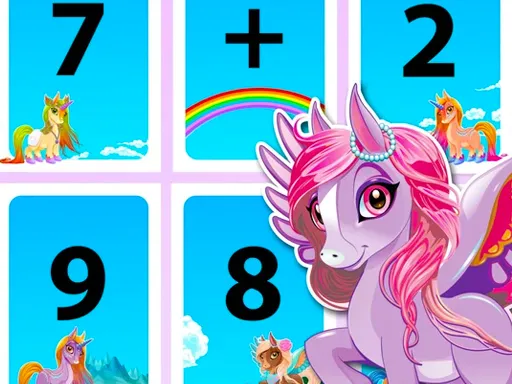
Arithmetic turns into a race in Speed Math. A question mark sits in the equation near the upper edge, and you must pick whichever number or sign from the choices makes it correct. The clock does not wait, so quick thinking matters as much as accuracy.
The format trains mental calculation without feeling like homework, which makes it a handy warm-up for kids and a fast brain exercise for adults. Because the missing piece can be either a number or a sign, you need to think about how the sum works, not only the answer. Click or tap an option in your browser to respond.
Game details
| Genre | Puzzle |
|---|---|
| Controls | Mouse or touch |
| Platform | Browser, phone and tablet |
| Cost | Free, no download |
| Screen | 720 x 1280 px |
How to play Speed Math
- Read the equation at the top and find the question mark.
- Look at the options offered on screen.
- Click or tap the number or operator that completes the equation correctly.
- Answer before the timer runs out, then move on to the next puzzle.
Tips for Speed Math
- Work out the part of the sum you can already see before looking at the choices.
- Check the operator first when numbers on both sides look right.
- Stay calm when the timer drops; a wrong guess costs more than a short pause.
Frequently asked questions
Is Speed Math free to play?
Yes. Speed Math is free, plays in your browser and does not need a download or sign-up.
How do I answer in Speed Math on a phone?
Tap the right number or sign from the choices shown. On a computer, click it with your mouse.
What do I fill in during Speed Math?
You replace the question mark with the right number or sign from the options offered, before time runs out.
More to play: Puzzle games · Brain games · Educational games · Fun games · Kids games
Categories
Puzzle Brain Math Fun Kids Educational
Tags Comments