WaterColor
Played 3 times.


About WaterColor
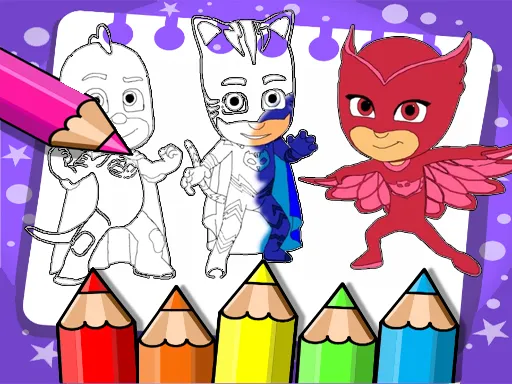
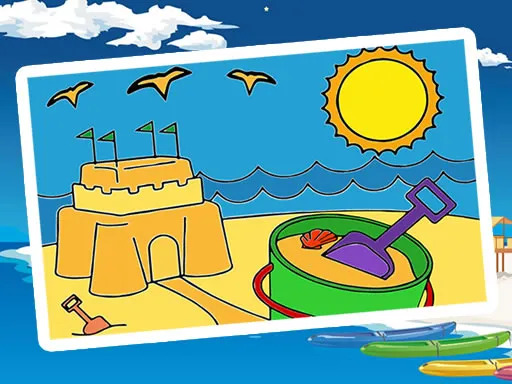
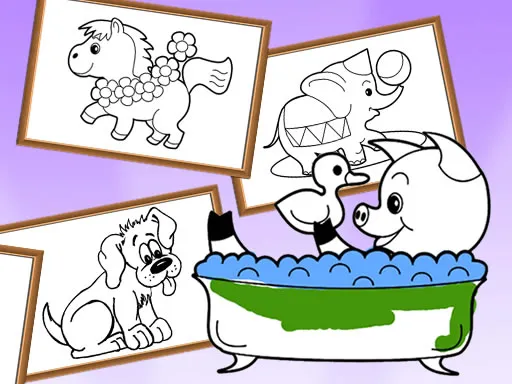
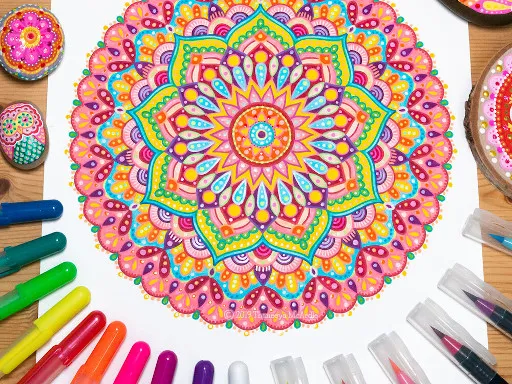
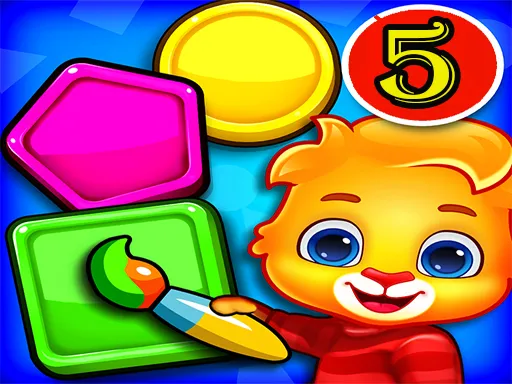
Painting with a reference picture is a lovely way for children to learn about color. WaterColor is made for kids and runs on phones, tablets and desktop machines, so it is easy to share around the house.
The idea is simple: look at the example image and use the matching colors to paint your own version. That nudges young players to notice shades and shapes, and it builds control as they move a finger or mouse across the picture. There is no pressure or timer, so a child can take as long as they like on each page. Grown-ups can sit alongside and chat about which colors belong where.
Game details
| Genre | Puzzle |
|---|---|
| Controls | Mouse or touch |
| Platform | Browser, phone and tablet |
| Cost | Free, no download |
| Screen | 800 x 450 px |
How to play WaterColor
- Look at the reference image to see which colors it uses.
- Select a paint color that matches the part you want to fill.
- Click or touch the picture to apply the color.
- Keep painting until your version matches the example.
Tips for WaterColor
- Name each color out loud as you choose it, to build vocabulary.
- Start with the largest areas, then add the smaller details.
- Compare your painting with the example once in a while.
Frequently asked questions
Is WaterColor free to play?
Yes. WaterColor is free in your browser, with no download and no sign-up.
Can children use WaterColor on a tablet?
Yes. It works on phones, tablets and computers. Touch the screen or use a mouse to paint.
How does painting work in WaterColor?
You fill the picture step by step, choosing shades that correspond to the reference image.
More to play: Puzzle games · Coloring games · Educational games · Kids games
Popular topics: color
Categories
Puzzle Kids Coloring Educational
Tags Comments