FNF FPS
Played 1 times.


About FNF FPS
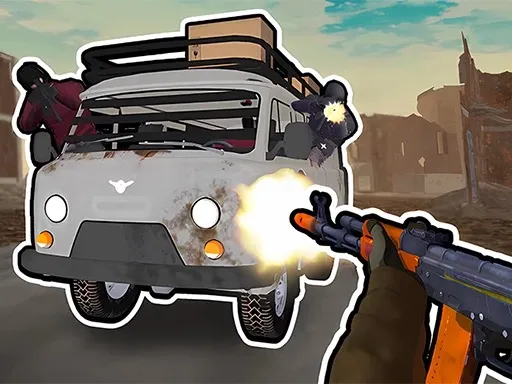
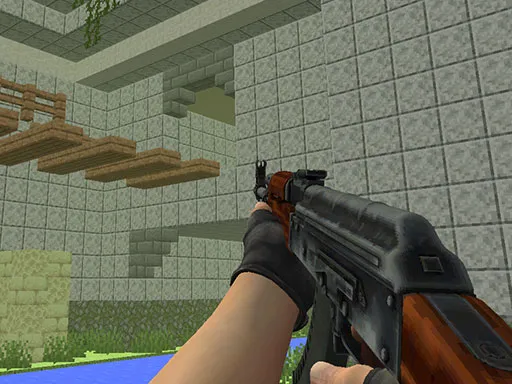
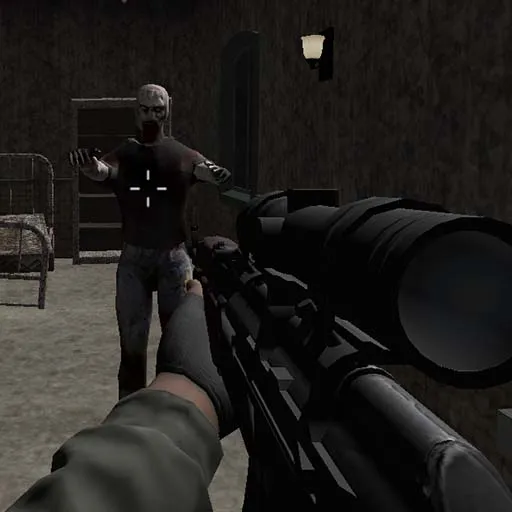
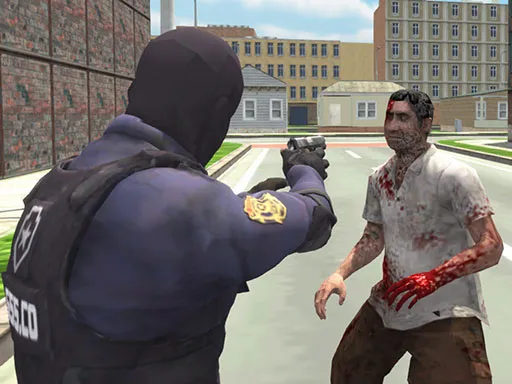
What happens when a rhythm-game crew picks up guns? FNF FPS answers by putting Friday Night Funkin' into a 3D first-person shooter. Your task is to take out the enemies and rescue your girlfriend.
The controls are fuller than in most browser shooters. You move with WASD, shoot with the left mouse button, aim with the right one, and run, jump, reload or trigger slow motion with dedicated keys. There is even a camera key. A computer with a keyboard and mouse is the best way to play, and taking a minute to learn the keys makes the fights far more manageable.
Game details
| Genre | Shooting |
|---|---|
| Controls | Mouse or touch |
| Platform | Browser, phone and tablet |
| Cost | Free, no download |
| Screen | 800 x 500 px |
How to play FNF FPS
- Press W, A, S and D to move, Shift to run and Space to jump.
- Press the left mouse button to shoot and the right one to aim.
- Press R to reload and T to slow time.
- Defeat the enemies to rescue your girlfriend, and press C to change the camera.
Tips for FNF FPS
- Use slow motion for tough fights, but do not waste it on weak enemies.
- Reload behind cover or when no enemy is close.
- Hold the right mouse button to aim for precision shots.
Frequently asked questions
Is FNF FPS free?
Yes. It is free, runs in your browser, and needs no download or sign-up.
What are the controls in FNF FPS?
WASD moves, left click shoots, right click aims, R reloads, T slows time, Shift runs, Space jumps and C changes the camera.
What is the goal in FNF FPS?
Take out the enemies in a 3D first-person shooter and rescue your girlfriend.
More to play: Shooting games · Action games · Shooter games
Categories Tags Comments