Red Stickman vs Monster School
Played 2 times.


About Red Stickman vs Monster School
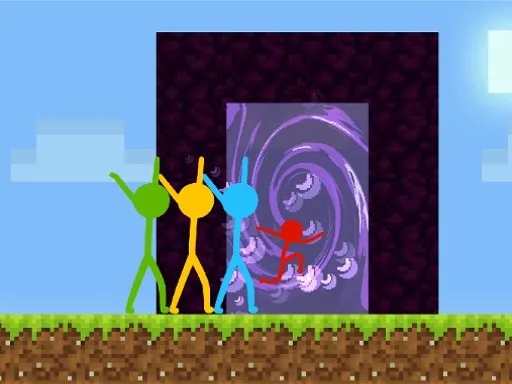
The Red Stickman is back, and this time school is the problem. Red Stickman vs Monster School follows the earlier stickman adventures with a mix of platforming, puzzle solving and fighting, all in a blocky, sandbox-inspired style. You steer the red character through a school full of monsters and deal with whatever blocks the way.
On a computer, the cursor keys or W, A and D move you around, and E, Space or the virtual button handles the fighting. On a phone, the on-screen buttons take over. It is easy to understand yet still asks you to think about each section, and it opens quickly in your browser for free.
Game details
| Genre | Stickman |
|---|---|
| Controls | Keyboard |
| Platform | Browser, phone and tablet |
| Cost | Free, no download |
| Screen | 1280 x 720 px |
How to play Red Stickman vs Monster School
- Move with the cursor keys or with W, A and D.
- Fight using E, Space or the on-screen button.
- Solve each platform puzzle to continue through the school.
- On touch devices, use the virtual buttons instead of the keyboard.
Tips for Red Stickman vs Monster School
- Observe each section before you move; many puzzles are about order, not speed.
- Fight only when necessary, and keep your distance if a jump can avoid the enemy.
- If you get stuck, retrace your steps, as the solution is often close to where you started.
Frequently asked questions
Is Red Stickman vs Monster School free to play?
Yes. Red Stickman vs Monster School is free, runs in the browser and needs no download or sign-up.
What are the controls in Red Stickman vs Monster School?
The cursor keys or W, A and D move you, while E, Space or the virtual button fights.
What kind of game is Red Stickman vs Monster School?
It is a platform puzzle and fighting game with a blocky look, set in a school of monsters.
More to play: Stickman games · Block games · Fighting games · Fun games · Minecraft games
Categories
Stickman Fun Fighting Block Minecraft
Tags Comments