Drift City
Played 2 times.


About Drift City
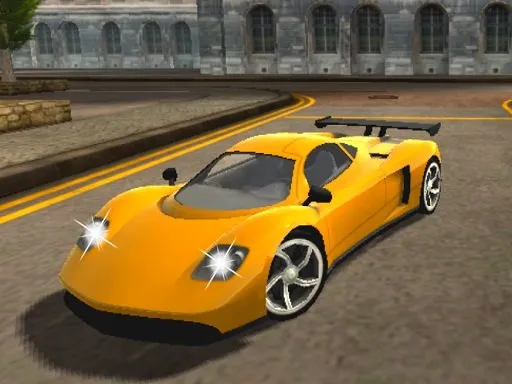
Burning rubber through city streets is the whole idea. Drift City gives you a 3D urban playground and rewards you for long, controlled slides, with drift points that you spend on new cars.
There is a handbrake for tight corners, nitro for a push of speed and a camera switch for finding the view you like. Beyond the cars, you can chase achievements, so the goal is bigger than simply going fast. It rewards smooth steering over mashing keys, and the satisfaction comes from linking a long slide through a corner without touching a wall.
Game details
| Genre | Racing |
|---|---|
| Controls | Keyboard |
| Platform | Browser, phone and tablet |
| Cost | Free, no download |
| Screen | 900 x 506 px |
How to play Drift City
- Drive with W, A, S, D or the arrow keys.
- Hold the space bar for the handbrake to start a slide.
- Press F for nitro, C to change the camera and L for the lights.
- Link long drifts to earn points, then buy new cars.
Tips for Drift City
- Tap the handbrake briefly to start a slide, then steer to hold it rather than keeping it pressed.
- Use nitro on straights so you enter a corner with the speed you need.
- Switch cameras with C until the car and the road are both easy to see.
Frequently asked questions
Is Drift City free to play?
Yes. Drift City is free, runs in your browser and needs no download or sign-up.
What are the controls in Drift City?
Use W, A, S, D or arrow keys to drive, space for the handbrake, F for nitro, C for camera and L for lights. Touch play works on phones.
How do I earn new cars in Drift City?
Perform drifts around the city to earn drift points, then spend those points on new cars. Achievements give you extra goals.
More to play: Racing games · 3D games · Action games · Car games · Simulation games
Categories
Racing 3D Action Car Simulation
Tags Comments