Zombie Buster - Fullscreen HD
Played 1 times.


About Zombie Buster - Fullscreen HD
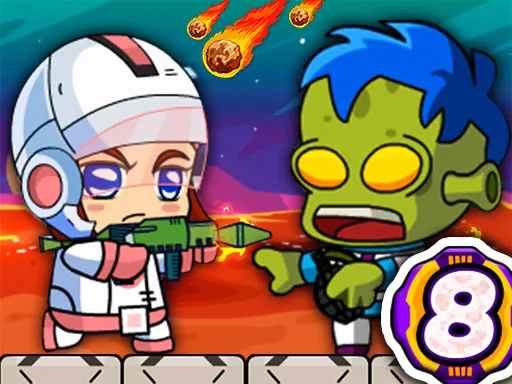
Grenades that bounce make aiming trickier than it looks. Zombie Buster hands you a launcher and a limited supply of explosives, and challenges you to get the angle just right so they land among the undead.
Because the grenades do not simply fall where they hit, you have to predict the bounce and plan accordingly. Counting your remaining launches is part of the strategy, since you will run out sooner than you expect. It supports full-screen play, and a tap or mouse click is all it takes to fire, which makes it a fun pick for quick sessions on any device.
Game details
| Genre | Shooting |
|---|---|
| Controls | Mouse or touch |
| Platform | Browser, phone and tablet |
| Cost | Free, no download |
| Screen | 800 x 600 px |
How to play Zombie Buster - Fullscreen HD
- Look at where the zombies are standing.
- Aim the launcher so the grenade will bounce toward them.
- Tap or click to fire a grenade.
- Keep track of how many grenades you have left.
Tips for Zombie Buster - Fullscreen HD
- Think about where a grenade will bounce, not just where it first lands.
- Count your remaining grenades before each shot.
- Wait for zombies to bunch together before you fire.
Frequently asked questions
Is Zombie Buster free to play?
Yes. Zombie Buster is free, runs in your browser, and needs no download or sign-up.
How do I fire in Zombie Buster?
Tap the screen on a mobile device, or left click with the mouse on a computer.
Why is aiming hard in Zombie Buster?
The grenades rebound off surfaces, so you must predict where they go, and you only have a limited number.
More to play: Shooting games · Action games · Adventure games · Zombie games
Popular topics: bomb
Categories
Adventure Action Shooting Zombie
Tags Comments