Crazy race car parking
Played 2 times.


About Crazy race car parking
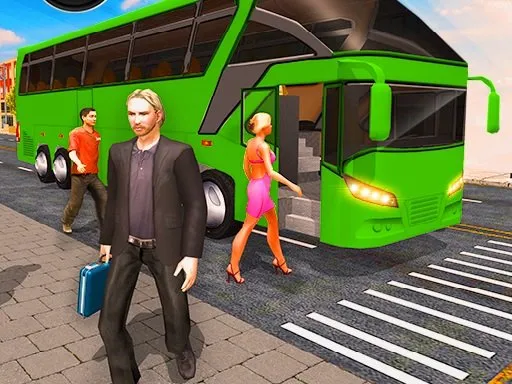
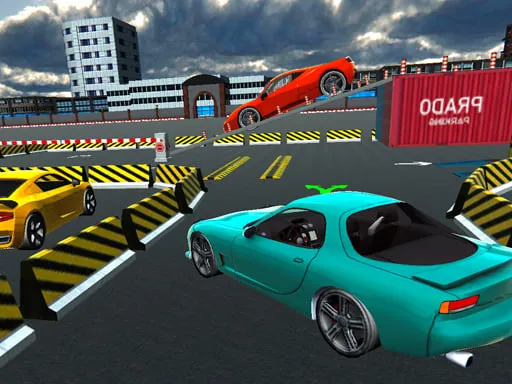
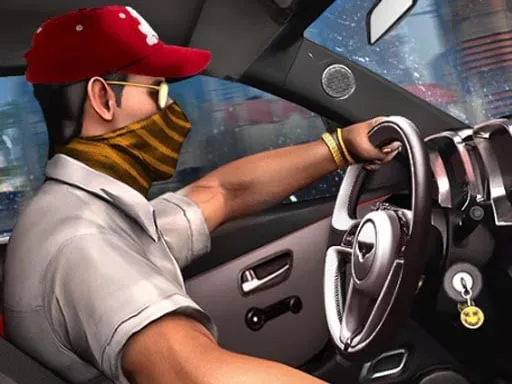
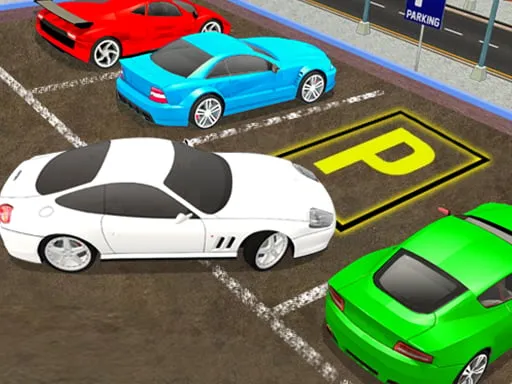
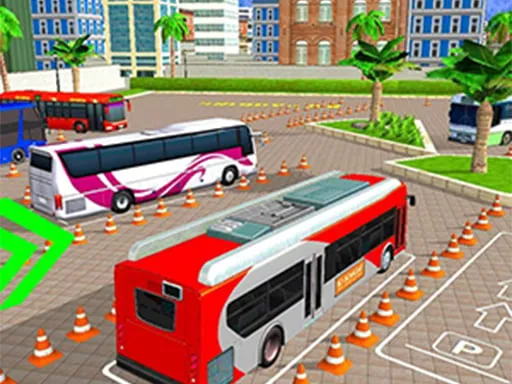
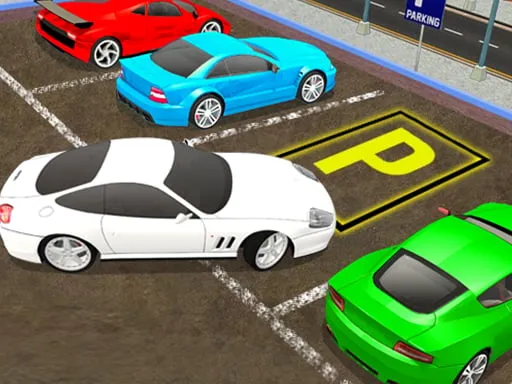
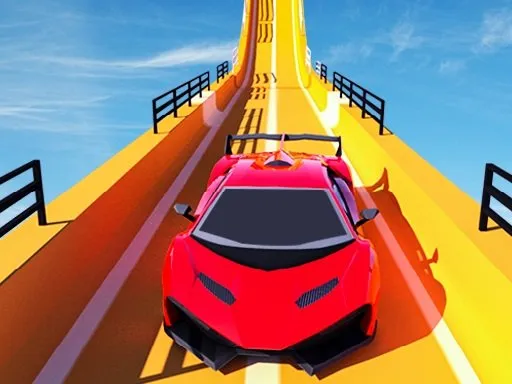
Learning to park well takes patience, and this 3D simulator gives you a place to practice it. Crazy race car parking asks you to guide a car into position using the keyboard, with drifting and driving tags hinting at a car that does not always behave politely.
Start with gentle throttle and short steering movements. A car that slides about makes parking harder than it looks, so slow down before you reach the bay rather than hoping to brake in time. The goal is to master tidy parking through repetition, and each attempt teaches you more about the car's turning circle.
Game details
| Genre | Racing |
|---|---|
| Controls | Keyboard |
| Platform | Browser, phone and tablet |
| Cost | Free, no download |
| Screen | 800 x 600 px |
How to play Crazy race car parking
- Drive with the keyboard controls.
- Use gentle throttle as you approach the bay.
- Steer in short, small movements.
- Stop the car neatly in the space.
Tips for Crazy race car parking
- Slow down before the bay rather than hoping to brake in time.
- Use small steering moves; large ones make a sliding car harder to place.
- Repeat the same parking attempt and learn the car's turning circle.
Frequently asked questions
Is Crazy race car parking free to play?
Yes. It is free, runs in your browser on brosgame.com and needs no download or sign-up.
How do I control Crazy race car parking?
You use the keyboard. The game also loads in mobile browsers.
What is the goal of Crazy race car parking?
To park your car accurately in a 3D setting. Patience and gentle control matter more than speed.
More to play: Racing games · .io games · 3D games · Action games · Car games
Categories
Racing .io 3D Action Car Hypercasual Educational
Tags Comments