Zed Car Drift
Played 2 times.


About Zed Car Drift
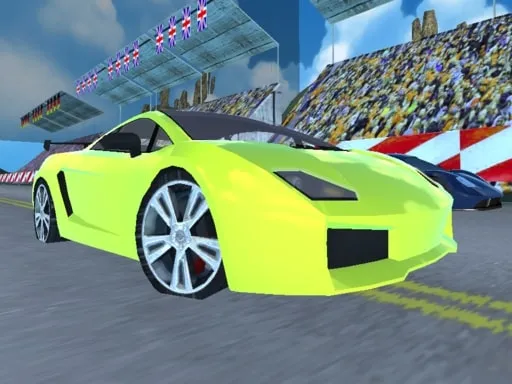
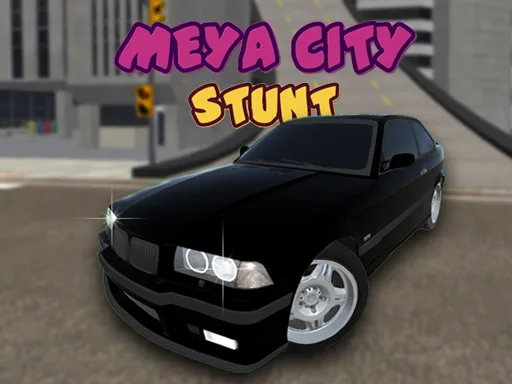
Variety comes from the garage in Zed Car Drift. You race and drift in 3D with three different cars, and a single key switches between them, so it is easy to compare how each one slides. A camera key lets you change the viewing angle when you want a different look at the road.
Controls are W for gas, S for brake and reverse, A and D for steering, Space for the handbrake, N for the next car and C for the next camera. A keyboard is the best choice, though the game is marked mobile-friendly. It opens in your browser at 800x600 with no download or sign-up.
Game details
| Genre | Racing |
|---|---|
| Controls | Mouse or touch |
| Platform | Browser, phone and tablet |
| Cost | Free, no download |
| Screen | 800 x 600 px |
How to play Zed Car Drift
- Press W for gas and S to brake or reverse.
- Steer with A and D.
- Press Space for the handbrake to kick the car sideways.
- Press N for the next car and C to change camera.
Tips for Zed Car Drift
- Try all three cars; each one slides a little differently.
- Pick the camera angle that lets you see the most road.
- Use short handbrake taps to start a drift smoothly.
Frequently asked questions
Is Zed Car Drift free?
Yes. Zed Car Drift is free, runs in your browser and needs no download or sign-up.
What are the controls in Zed Car Drift?
W is gas, S brakes or reverses, A and D steer, Space is the handbrake, N switches to the next car and C changes the camera.
How many cars can I drive in Zed Car Drift?
There are three different cars to drift and race, and you can switch between them with the N key.
More to play: Racing games · 3D games · Car games
Popular topics: 3d games · android · cars · drift · drifting · driving
Categories Tags Comments