Ben 10 Memory Time
Played 3 times.


About Ben 10 Memory Time
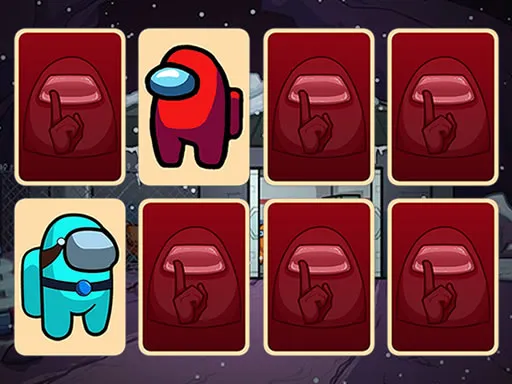
Memory games are simple to explain and surprisingly hard to master, and this one dresses the classic format in Ben 10 artwork. Ben 10 Memory Time hides pictures face down and asks you to remember where each one sits.
You flip two at a time with a click or a tap, hoping to land identical images. Every miss shows you something to remember, and every pair removes a card from the board. Fans of the show get a bit of familiar art to enjoy, while anyone else gets a sound concentration workout. The portrait layout works on a phone, and a clear mind helps more than quick fingers here.
Game details
| Genre | Puzzle |
|---|---|
| Controls | Mouse or touch |
| Platform | Browser, phone and tablet |
| Cost | Free, no download |
| Screen | 480 x 854 px |
How to play Ben 10 Memory Time
- Click or tap a face-down card to turn it over.
- Turn over a second card and compare the two pictures.
- If the images are identical, the pair is cleared; if not, remember where they were.
- Match every pair to finish the game.
Tips for Ben 10 Memory Time
- Focus on the first few mismatches; recalling their positions saves a lot of guesses later.
- Flip cards in a consistent order, such as row by row, so you build a mental map.
- Slow down if you keep missing; speed is not rewarded as much as accuracy.
Frequently asked questions
Is Ben 10 Memory Time free?
Yes. Ben 10 Memory Time is free, plays in your browser, needs no download and does not require an account.
How do I play Ben 10 Memory Time on a phone?
Tap the cards with your finger. On a computer, click them with the mouse. That is the only control you need.
What is the goal in Ben 10 Memory Time?
Pair up every matching picture by remembering where each card sits, which exercises your memory and concentration.
More to play: Puzzle games · Fun games · Kids games · Memory games · Skill games
Popular topics: ben 10 · boy · collecting
Categories Tags Comments