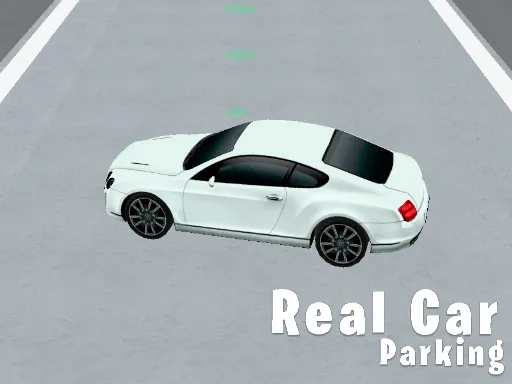
Xtreme Real City Car Parking
Played 2 times.


About Xtreme Real City Car Parking
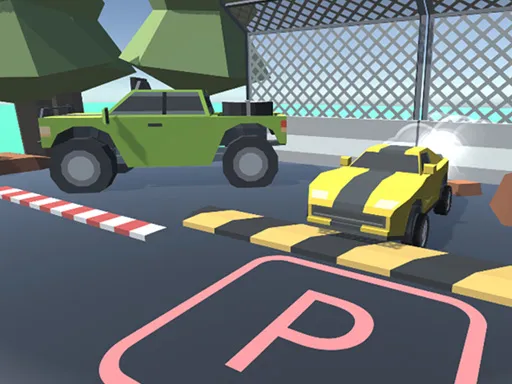
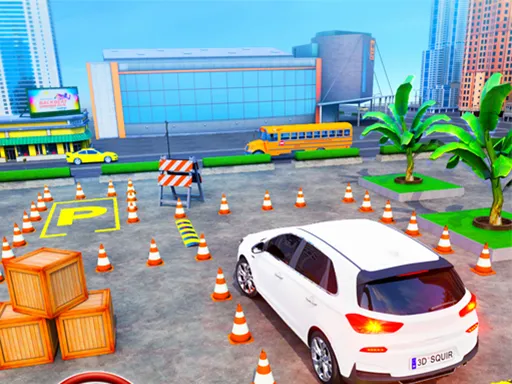
Parking looks easy until a concrete barrier sits right next to your bumper. Xtreme Real City Car Parking takes place around a supermarket building, and each level asks you to drive in carefully, avoid obstacles and other vehicles, and settle the car into its space.
Because the game is split into several levels, the layouts get trickier as you move on. Hitting a barrier or a parked car is exactly what you are trying to avoid, so slow, deliberate driving is the winning approach. It is a good pick if you enjoy driving games but prefer precision to speed. It plays in the browser with no install.
Game details
| Genre | Racing |
|---|---|
| Controls | Keyboard |
| Platform | Browser, phone and tablet |
| Cost | Free, no download |
| Screen | 960 x 600 px |
How to play Xtreme Real City Car Parking
- Drive with W, A, S and D toward the parking area.
- Press Space to brake whenever you need to slow down.
- Steer around barriers, obstacles and other vehicles.
- Stop the car inside its parking space.
Tips for Xtreme Real City Car Parking
- Tap Space gently; a short brake is easier to control than a hard stop beside a barrier.
- Line the car up well before you reach the space instead of correcting at the last second.
- Creep forward in small bursts when the gap is narrow.
Frequently asked questions
Is Xtreme Real City Car Parking free to play?
Yes. It is free, runs in your browser and needs no download or sign-up.
How do I control Xtreme Real City Car Parking?
W, A, S and D drive the car and Space brakes. The game also loads on mobile browsers.
What do I have to avoid in Xtreme Real City Car Parking?
Barriers, other vehicles and other obstacles. The aim is to park accurately without hitting anything.
More to play: Racing games · 3D games · Arcade games · Boys games · Parking games
Categories Tags Comments