Swipe and Clear
Played 4 times.


About Swipe and Clear
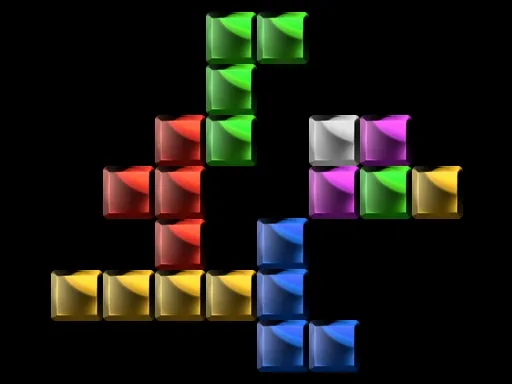
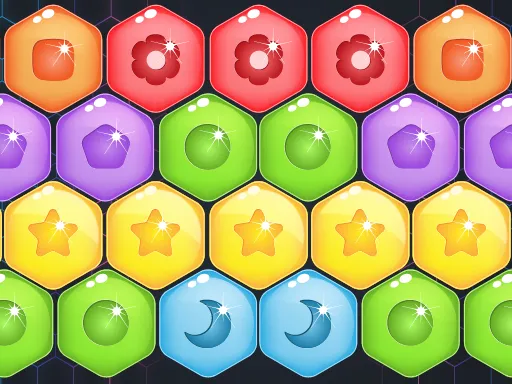
Colorful blocks are spread over a grid, and the rule is unforgiving: if one lonely block survives, the level restarts. Swipe and Clear asks you to drag blocks around and form groups of three or more matching blocks, making them vanish.
That all-or-nothing condition makes planning crucial. Twenty levels, each designed differently, test how well you can see the whole board before you move anything. The mechanics are straightforward, but the puzzles can get thorny. Use a mouse to drag the blocks, or use your finger on a phone, in the browser's portrait view.
Game details
| Genre | Puzzle |
|---|---|
| Controls | Mouse or touch |
| Platform | Browser, phone and tablet |
| Cost | Free, no download |
| Screen | 720 x 1280 px |
How to play Swipe and Clear
- Look at the grid and find colors that you can group in threes.
- Click or tap a block and drag it across the grid.
- Line up three or more same-colored blocks to remove them.
- Clear every block to finish the level, since leftovers cause a restart.
Tips for Swipe and Clear
- Count each color first; if one has only two blocks, you need to rethink your plan.
- Plan the final few blocks before you start, not after the board is half empty.
- Restart quickly if you see a dead end instead of continuing.
Frequently asked questions
Is Swipe and Clear free to play?
Yes. Swipe and Clear is free to play in your browser, with no download or sign-up.
How do I move blocks in Swipe and Clear?
Drag them across the grid with a mouse, or with your finger on a touchscreen, to line up three or more of one color.
What happens if I leave a block behind in Swipe and Clear?
If any single block is left, the level restarts, so you must clear all of them.
More to play: Puzzle games · Block games · Board games
Popular topics: cleaning
Categories Tags Comments