Tetris 24
Played 3 times.


About Tetris 24
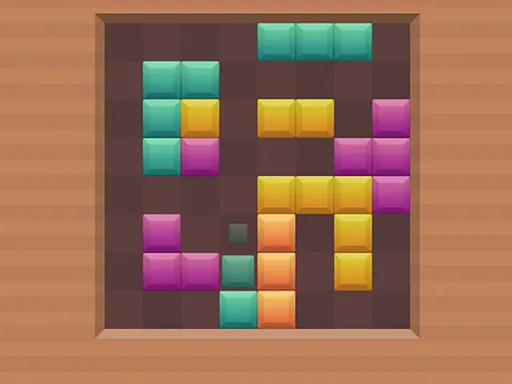
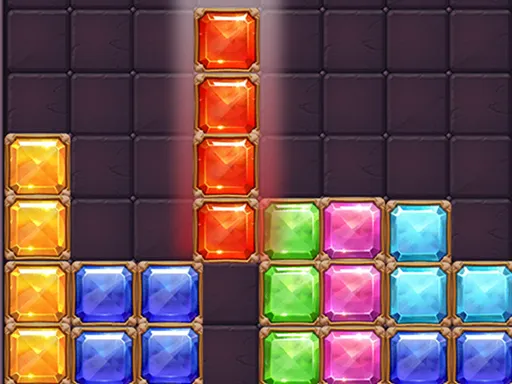
Falling bricks need a plan, and this version of the classic gives you plenty of controls to make one. Tetris 24 lets you slide, turn, drop and hold blocks to build complete lines that disappear from the grid.
On a keyboard, the left and right arrows or A and D move, the up arrow, W or X turn a piece to the right, Z turns it the other way, Space drops, S drops slowly, Ctrl holds or swaps, P pauses and Enter starts. You can also just drag bricks with a mouse or finger. It runs in the browser for free, on phones and computers alike.
Game details
| Genre | Puzzle |
|---|---|
| Controls | Keyboard + mouse or touch |
| Platform | Browser, phone and tablet |
| Cost | Free, no download |
| Screen | 720 x 1280 px |
How to play Tetris 24
- Press Enter or start the game to begin dropping bricks.
- Move bricks with the arrows or A and D, or drag them.
- Turn pieces with the up arrow, W or X, or Z for the other direction.
- Complete full lines to clear them, using Space to drop and Ctrl to hold.
Tips for Tetris 24
- Use the hold key to save an awkward brick for a moment when it fits better.
- Keep the surface of the stack flat; holes are what end most games.
- Look at your next brick before dropping, so you can leave the right gap.
Frequently asked questions
Is Tetris 24 free to play?
Yes. Tetris 24 is free, runs in your browser, and needs no download and no sign-up.
What are the controls in Tetris 24?
Use the arrows or A and D to move, up, W or X to turn right, Z to turn left, Space to drop, S to drop slowly, Ctrl to hold and P to pause.
Can I play Tetris 24 on a phone?
Yes. You can drag the bricks with your finger, or use the mouse on a computer. The keyboard is optional.
More to play: Puzzle games · Arcade games · Block games · Tetris games
Categories Tags Comments