Squad Goals: Soccer 3D
Played 2 times.


About Squad Goals: Soccer 3D
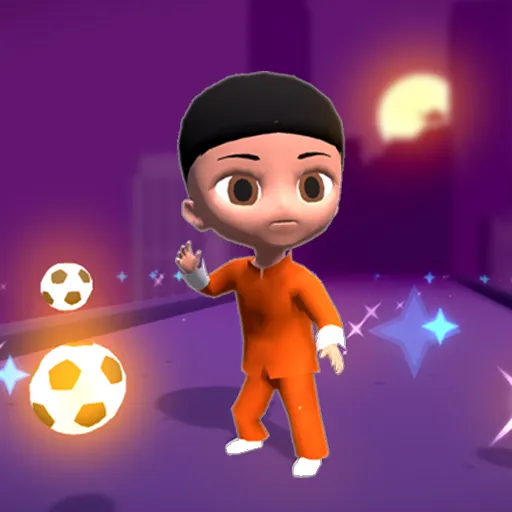
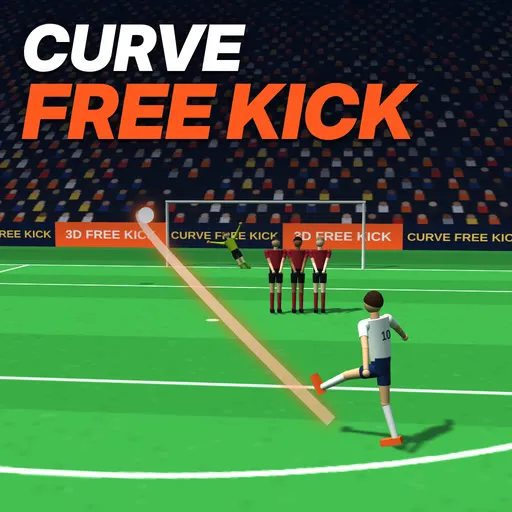
Soccer without the rulebook: that is the pitch here. Squad Goals: Soccer 3D drops fouls, cards and offsides, so a match turns into a quick scramble where the first side to score takes the win.
You steer with a single on-screen joystick, or with the keyboard on a computer. Between matches you can upgrade your character, climb the ranks, earn coins through daily quests and choose between Arena and Team vs Team modes. Cosmetics for your player, ball and stadium give you something to spend those coins on. Rounds are short, so one more game is always easy to fit in.
Game details
| Genre | Soccer |
|---|---|
| Controls | Keyboard + mouse or touch |
| Platform | Browser, phone and tablet |
| Cost | Free, no download |
| Screen | 1024 x 1820 px |
How to play Squad Goals: Soccer 3D
- Press and drag with a finger or the mouse to run toward the ball.
- On a keyboard, run with WASD or the arrows.
- Let go of the finger or mouse button to slide, pass or shoot.
- On a keyboard, let go of the arrows or hit Space for the same moves.
- Score first to win the match.
Tips for Squad Goals: Soccer 3D
- The first goal wins, so a clean early shot usually beats a long dribble.
- Let go only when you mean to act, because releasing the joystick is what triggers the slide, shot or pass.
- Spend your first coins on character upgrades so you can keep climbing the ranks.
Frequently asked questions
Is Squad Goals: Soccer 3D free to play?
Yes. It runs in your browser with no download and no sign-up.
Can I play Squad Goals: Soccer 3D on my phone?
Yes. Press and pull with a finger to run, or use WASD or the arrows on a keyboard.
How do I win a match in Squad Goals: Soccer 3D?
Score first. There are no fouls, cards or offsides, so the first goal decides the match.
More to play: Soccer games · 3D games · Animal games · Ball games · Basketball games
Categories
Soccer 3D Ball Football Zombie Animal Skill Sports Basketball
Tags Comments