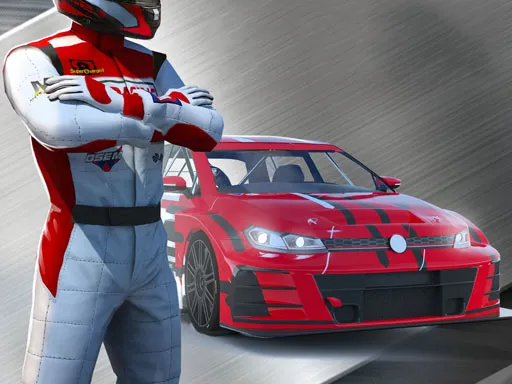
Race Pro: Speed Car Racer in Traffic
Played 2 times.


About Race Pro: Speed Car Racer in Traffic
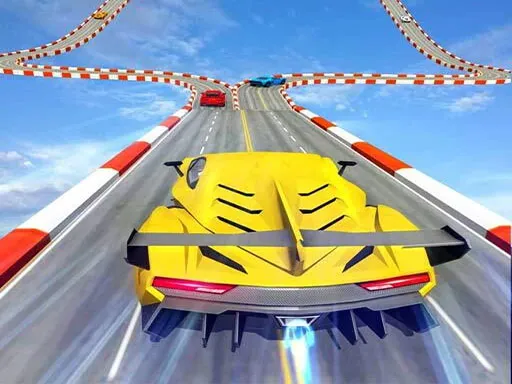
Traffic is the opponent in Race Pro: Speed Car Racer in Traffic. Rather than sit in a jam, you blast past other cars flat out and try to go as far as possible without touching one.
The publisher mentions a nitro button for extra speed, a choice of camera angles, plus a career mode, so there is more than a simple dodge-and-go loop on offer. On the keyboard you use W, A, S and D or the arrow keys, and the game is flagged as mobile friendly. Racing fans who like the thrill of near misses will find the idea easy to grasp.
Game details
| Genre | Racing |
|---|---|
| Controls | Keyboard |
| Platform | Browser, phone and tablet |
| Cost | Free, no download |
| Screen | 800 x 600 px |
How to play Race Pro: Speed Car Racer in Traffic
- Accelerate with W or the up arrow.
- Steer between cars using A and D or the left and right arrows.
- Brake with S or the down arrow when a gap closes.
- Use nitro for bursts of speed and keep your run going.
Tips for Race Pro: Speed Car Racer in Traffic
- Save nitro for open stretches of road, not for a crowded group of cars.
- Try a different camera view if you struggle to judge the gaps.
- A calm line through traffic is safer than constant lane changes.
Frequently asked questions
Is Race Pro: Speed Car Racer in Traffic free?
Yes. Race Pro: Speed Car Racer in Traffic costs nothing, runs in your browser, and needs no download or sign-up.
What controls does Race Pro: Speed Car Racer in Traffic use?
W, A, S and D or the arrow keys drive the car. It is marked as mobile friendly, with a nitro button on touch screens.
What is the goal in Race Pro: Speed Car Racer in Traffic?
Pass traffic at speed without crashing and try to reach the farthest distance possible.
More to play: Racing games · 3D games · Action games · Car games · Sports games
Categories Tags Comments