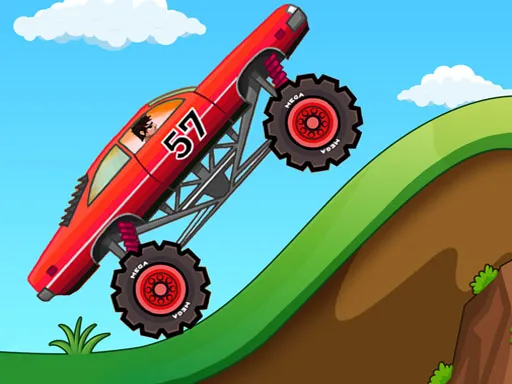
Skater Boy
Played 2 times.


About Skater Boy
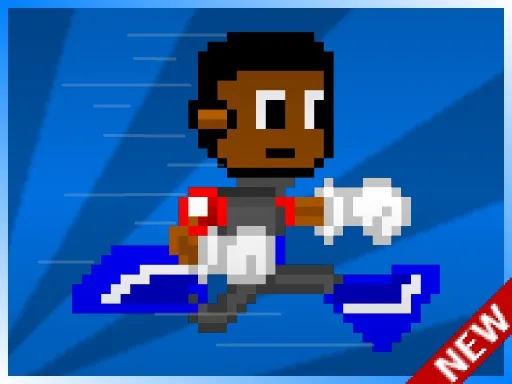
A skateboard that keeps getting faster is both the fun and the danger in Skater Boy. You roll along a 2D course, hopping obstacles for as long as you can, and fresh hazards show up the further you go.
On a computer, the Up arrow jumps and the Right arrow gives a speed boost. On a phone, on-screen Jump and Speed buttons do the same jobs. Your score depends on how far you go, so the real skill is balancing safe, well-timed jumps against the temptation to boost. It is a quick, replayable arcade runner that loads right in your browser with nothing to install.
Game details
| Genre | Racing |
|---|---|
| Controls | Keyboard |
| Platform | Browser, phone and tablet |
| Cost | Free, no download |
| Screen | 1280 x 720 px |
How to play Skater Boy
- Press the Up arrow to jump over obstacles.
- Press the Right arrow to give your board a speed boost.
- On mobile, use the Jump and Speed buttons on the screen.
- Keep skating and try to beat your best score.
Tips for Skater Boy
- Jump a little early rather than late; the board keeps speeding up, so timing gets tighter over time.
- Use the speed boost on clear stretches only, not when a new obstacle might appear.
- Stay relaxed. Rhythmic, repeated jumps usually work better than frantic button presses.
Frequently asked questions
Is Skater Boy free to play?
Yes. Skater Boy is free, runs in the browser and requires no download or account.
How do I play Skater Boy on a phone?
Use the on-screen Jump button to hop obstacles and the Speed button for a boost. On a computer, use the Up and Right arrow keys instead.
Does Skater Boy get harder?
Yes. Your skateboard gets faster as you jump over obstacles, and new obstacles show up as you go further, so reaction time matters more the longer you last.
More to play: Racing games · Action games · Adventure games · Arcade games · Boys games
Categories
Racing Adventure Action Arcade Boys Jumping Skateboard
Tags Comments