Call of Ops 3 Zombies
Played 1 times.


About Call of Ops 3 Zombies
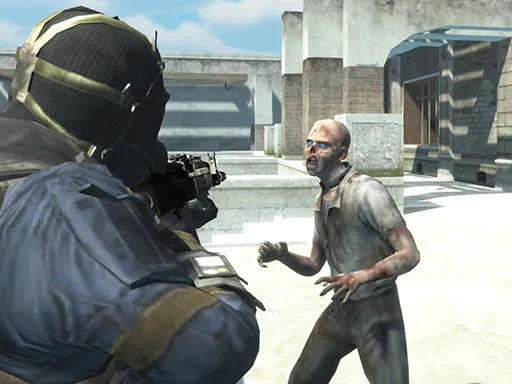
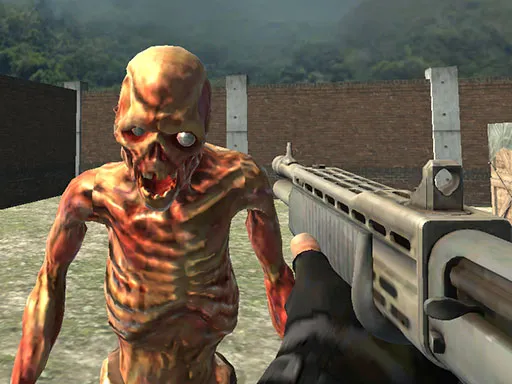
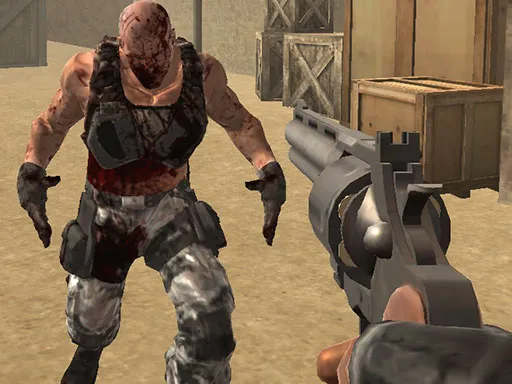
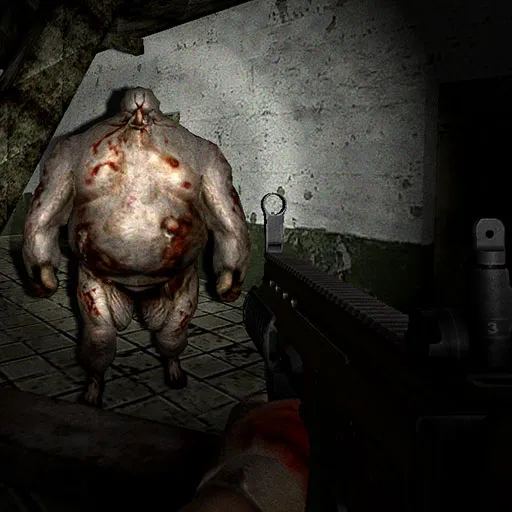
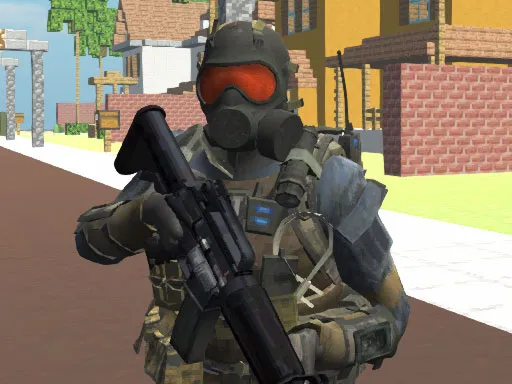
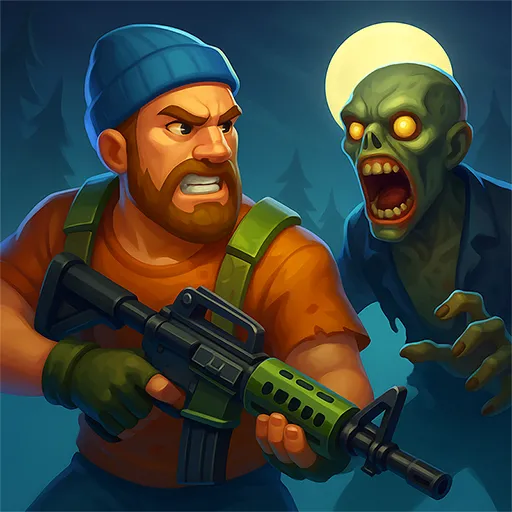
Round-based zombie shooting is the heart of Call of Ops 3 Zombies. Each round sets a quota, and once you have shot enough undead you move on and earn new weapons for the next one. Three maps keep the scenery changing, and the physics make every hit feel weighty.
Move with W, A, S and D, shoot with the left mouse button, aim with the right one and scroll the wheel to cycle weapons. R reloads, Space jumps, and T triggers bullet time, a slow-motion trick that is handy when the crowd closes in. Phones can play it with touch, but a mouse is better.
Game details
| Genre | Shooting |
|---|---|
| Controls | Keyboard + mouse or touch |
| Platform | Browser, phone and tablet |
| Cost | Free, no download |
| Screen | 960 x 600 px |
How to play Call of Ops 3 Zombies
- Move with W, A, S and D.
- Aim with the right mouse button and shoot with the left.
- Scroll the mouse wheel to change weapon and press R to reload.
- Press T for bullet time when zombies swarm you.
- Defeat the required number of zombies to finish a round.
Tips for Call of Ops 3 Zombies
- Use bullet time before you are surrounded, not after.
- Jump and keep moving; a standing target gets caught quickly.
- Switch to your newest weapon each round to see if it suits you.
Frequently asked questions
Is Call of Ops 3 Zombies free?
Yes. It is free to play in your browser with no download and no sign-up.
What are the controls in Call of Ops 3 Zombies?
W, A, S, D move; left mouse shoots; right mouse aims; the wheel changes weapon; R reloads; Space jumps; T activates bullet time.
How do I unlock new weapons in Call of Ops 3 Zombies?
Survive each round by shooting the required number of zombies. Completing rounds awards new weapons.
More to play: Shooting games · 3D games · Action games · Shooter games · Zombie games
Popular topics: 1 player · 3d games · gun · shoot · shoot em up
Categories
3D Action Shooter Shooting Zombie
Tags Comments