My Huggy Wuggy Nightmare
Played 2 times.


About My Huggy Wuggy Nightmare
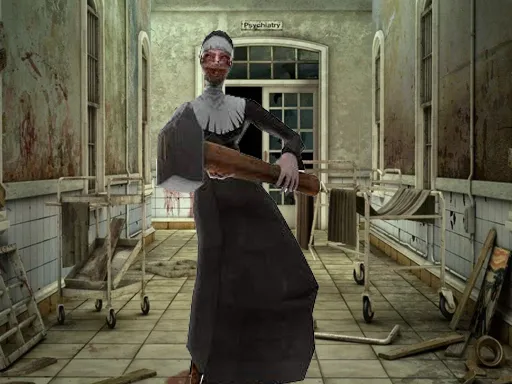
A quiet new neighborhood hides something awful in My Huggy Wuggy Nightmare, a horror-flavored shooter with escape and zombie tags. The story sets up a string of unexplained attacks and a monster legend, and you step into the shoes of someone trying to survive it.
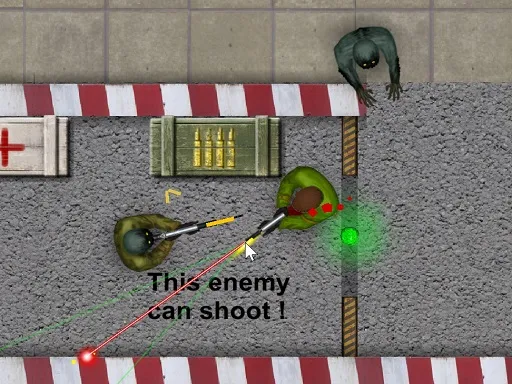
On the control side, this one is generous. Besides walking and shooting, you can aim down sights, reload, throw grenades, crouch, go prone and swap weapons with the mouse wheel. That variety lets you play carefully or aggressively. It runs in the browser for free, and the keyboard and mouse setup is best for the full set of actions.
Game details
| Genre | Shooting |
|---|---|
| Controls | Mouse or touch |
| Platform | Browser, phone and tablet |
| Cost | Free, no download |
| Screen | 960 x 600 px |
How to play My Huggy Wuggy Nightmare
- Walk with W, A, S and D and look around with the mouse.
- Left-click to fire and right-click to aim.
- Scroll the wheel to swap weapons and press R to reload.
- Press G for grenades and F to pick up items.
- Sprint with the left Shift key and crouch with the left Ctrl key.
Tips for My Huggy Wuggy Nightmare
- Reload as soon as a fight ends so you never face the next enemy with an empty weapon.
- Crouch behind cover to steady your aim before you shoot.
- Save grenades for groups; single enemies are better dealt with by normal shots.
Frequently asked questions
Is My Huggy Wuggy Nightmare free to play?
Yes. It is free in the browser, with no download and no sign-up.
What are the controls in My Huggy Wuggy Nightmare?
W, A, S and D walk, the mouse looks, left click fires, right click aims, R reloads, G throws grenades, F picks up items, Shift sprints and Ctrl crouches.
Is My Huggy Wuggy Nightmare scary?
It has a horror theme with a monster story and zombies, so it may be too tense for very young players.
More to play: Shooting games · Escape games · Shooter games · Zombie games
Popular topics: collecting · weapons
Categories
Escape Shooter Shooting Zombie
Tags Comments