Motorbike Simulator
Played 1 times.


About Motorbike Simulator
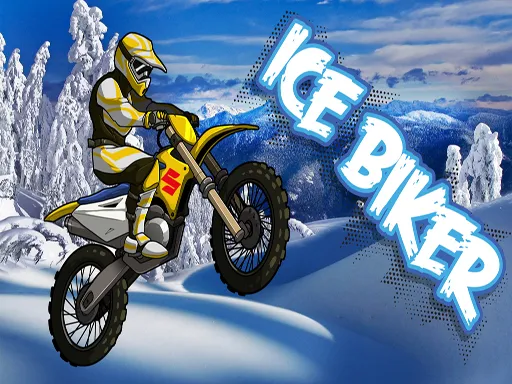
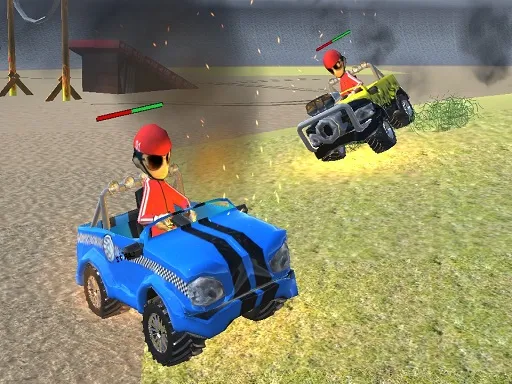
Bike choice, map choice and plenty of stunt platforms: Motorbike Simulator is aimed at anyone who likes motorbikes and tricks. Your garage holds a Racer, a Police bike and a Cross bike, and each environment has platforms to try out.
Drive with the arrow keys or W, A, S, D, use the space bar as handbrake and Shift as boost. C changes the camera, R resets the scene, G resets the bike and E turns on the police lights. X hides the on-screen instructions. It runs free in the browser.
Game details
| Genre | Racing |
|---|---|
| Controls | Keyboard |
| Platform | Browser, phone and tablet |
| Cost | Free, no download |
| Screen | 960 x 600 px |
How to play Motorbike Simulator
- Choose a bike and a map.
- Drive with the arrow keys or W, A, S, D.
- Use the space bar to handbrake and Shift to boost.
- Press R to reset the scene or G to reset the bike.
Tips for Motorbike Simulator
- Keep G in mind to quickly get upright after a crash.
- Use the boost on ramps, then stay balanced in the air.
- Press X once you remember the controls to clear the view.
Frequently asked questions
Is Motorbike Simulator free to play?
Yes. Motorbike Simulator is free, plays in your browser and needs no download or sign-up.
What controls does Motorbike Simulator use?
Arrow keys or W, A, S, D drive, space is handbrake, Shift boosts, C changes camera, R resets the scene, G resets the bike, E toggles police lights.
What bikes and maps are in Motorbike Simulator?
You get a Racer, a Police bike and a Cross bike, plus four maps with platforms made for stunts.
More to play: Racing games
Popular topics: 3d games · moto · motorcycle · simulator · unity3d · webgl
Categories Tags Comments