EVO City Driving
Played 1 times.


About EVO City Driving
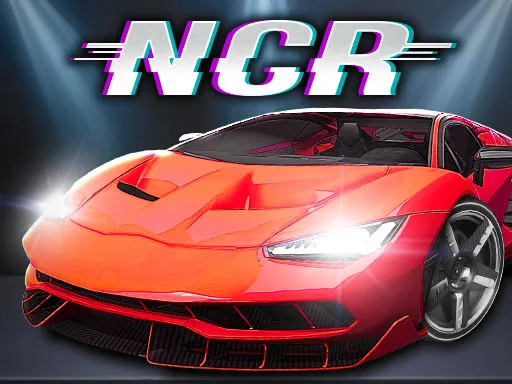
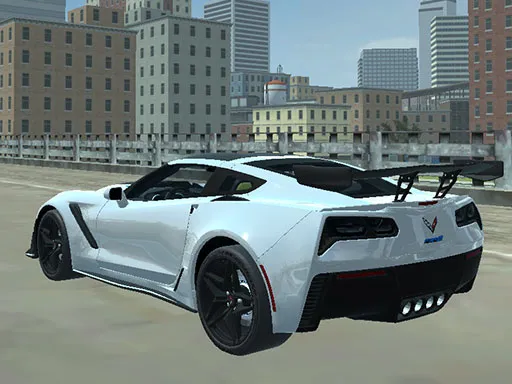
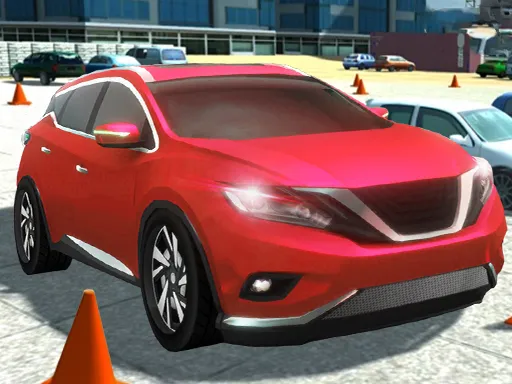
Not every driving game needs a finish line, and EVO City Driving leans into that. It drops you into a 3D city with a selection of supercars and lets you roam, so the only question is how fast you want to go and which road you want to try next.
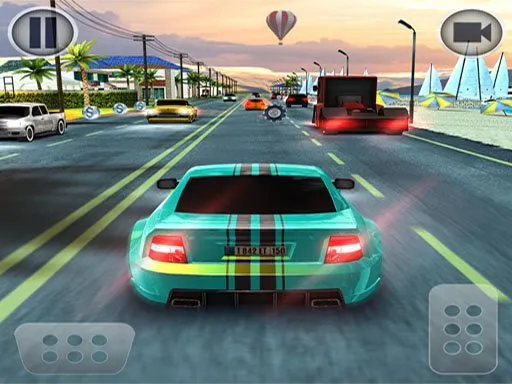
The controls cover the basics of a proper driving sim: throttle, brake and a camera switch for changing your view. That makes it easy to switch between a close chase view and a wider look at the street. It is built on WebGL, runs in the browser and also loads on mobile.
Game details
| Genre | Racing |
|---|---|
| Controls | Keyboard |
| Platform | Browser, phone and tablet |
| Cost | Free, no download |
| Screen | 960 x 600 px |
How to play EVO City Driving
- Drive with W, A, S and D.
- Press Space to brake.
- Press C to change the camera angle.
- Explore the city streets and try different cars.
Tips for EVO City Driving
- Brake before corners, not during them, so the car stays steady through the turn.
- Try each camera view; a higher angle makes tight junctions much easier to read.
- Treat the city as a map to learn, and drive a different road each session.
Frequently asked questions
Is EVO City Driving free to play?
Yes. It is free, runs in the browser and needs no download or sign-up.
What are the controls in EVO City Driving?
W, A, S and D drive the car, Space brakes and C changes the camera. It also works on mobile.
Does EVO City Driving have races to win?
It is mainly a free-roam driving sim. You pick a supercar and explore the city roads at your own pace.
More to play: Racing games · 3D games · Car games · Simulation games
Categories Tags Comments