Minecraft Cube Puzzle
Played 1 times.


About Minecraft Cube Puzzle
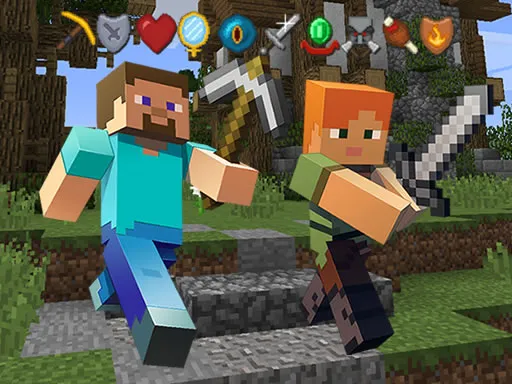
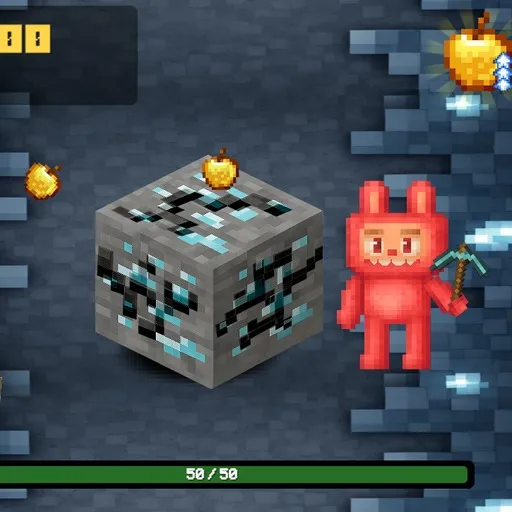
A blocky puzzle with a familiar sandbox look, Minecraft Cube Puzzle puts a single cube on a mission to reach the exit. The catch is that you do not move it directly.
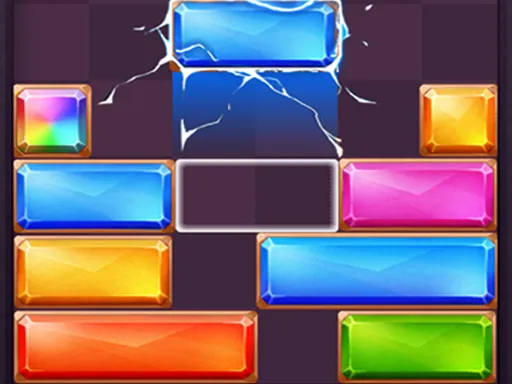
Instead you work the side cubes around it. Some slide only up and down, others only left and right, so each one has a limited job and you have to work out which one to use and when. The physics feel spatial, meaning the whole layout has to stay in view in your head. Difficulty rises gradually and ends with genuinely tough stages, and you can play them all in the browser.
Game details
| Genre | Puzzle |
|---|---|
| Controls | Mouse or touch |
| Platform | Browser, phone and tablet |
| Cost | Free, no download |
| Screen | 800 x 600 px |
How to play Minecraft Cube Puzzle
- Start a level and look for the exit.
- Click or tap a side cube to move it along its allowed direction.
- Remember that some cubes move only up and down, others only sideways.
- Open a clear route and send your cube out.
Tips for Minecraft Cube Puzzle
- Study which direction each side cube can travel before you move any of them.
- Think about the whole layout, because moving one cube often blocks or frees another.
- If you are stuck, restart and try the cubes in a different order.
Frequently asked questions
Is Minecraft Cube Puzzle free to play?
Yes. It is free, runs in your browser, and needs no download or sign-up.
How do I control Minecraft Cube Puzzle?
You control the side cubes with the mouse or by touch. Some move vertically and some move horizontally.
What is the goal of Minecraft Cube Puzzle?
Reach the exit with your cube by moving the side cubes out of its way, then complete every level as the difficulty rises.
More to play: Puzzle games · Block games · Casual games · Minecraft games
Categories Tags Comments