Low poly car racing
Played 2 times.


About Low poly car racing
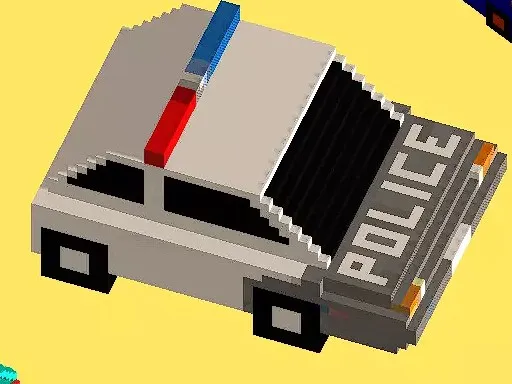
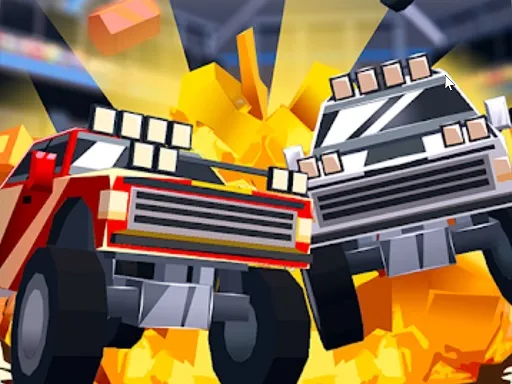
Blocky cars, a track editor and a split screen for two: Low poly car racing is built for sharing. You can play solo or sit beside a friend on the same computer, with one player on WASD and the other on the arrow keys.
You also get to design tracks and save them in three slots, pick a color for your car and choose from three game modes. Points earned in races let you buy new cars, so there is a reason to keep going. It is a free browser game, and with a simple one-button menu it is quick to get into.
Game details
| Genre | Racing |
|---|---|
| Controls | Keyboard |
| Platform | Browser, phone and tablet |
| Cost | Free, no download |
| Screen | 800 x 600 px |
How to play Low poly car racing
- Player one drives with W, A, S and D.
- Player two drives with the arrow keys.
- Pick a game mode and choose your car color.
- Earn points, then buy new cars.
Tips for Low poly car racing
- Build a short track first to learn how cars handle the corners.
- Save tracks in different slots so you can switch layouts.
- In split screen, play a few warm-up laps before the real race.
Frequently asked questions
Is Low poly car racing free?
Yes. It is free to play in the browser, with no download and no sign-up.
How do two players play Low poly car racing?
Share one keyboard. Player one uses W, A, S and D and player two uses the arrow keys.
Can I build my own tracks in Low poly car racing?
Yes. You can design a track yourself and save it into one of three slots.
More to play: Racing games · 2 Player games · Block games · Pixel games
Popular topics: 2 player games · unity3d · webgl
Categories Tags Comments