Mad Cars Racing and Crash
Played 2 times.


About Mad Cars Racing and Crash
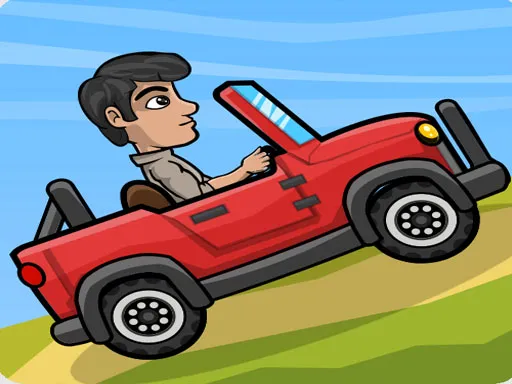
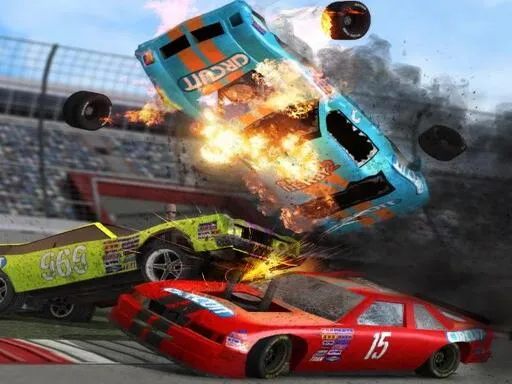
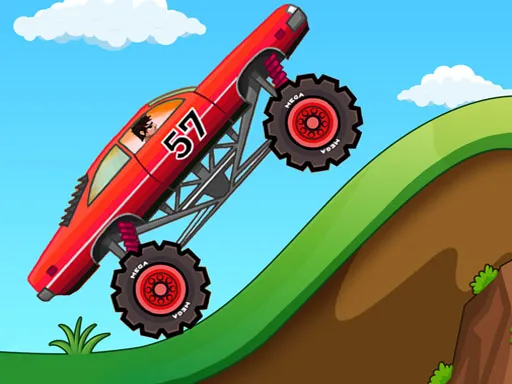
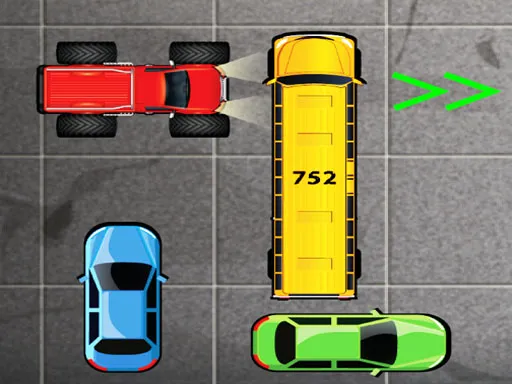
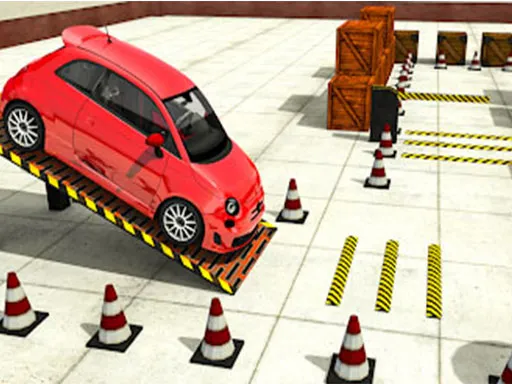
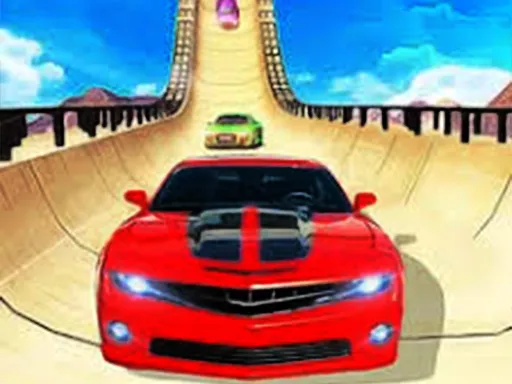
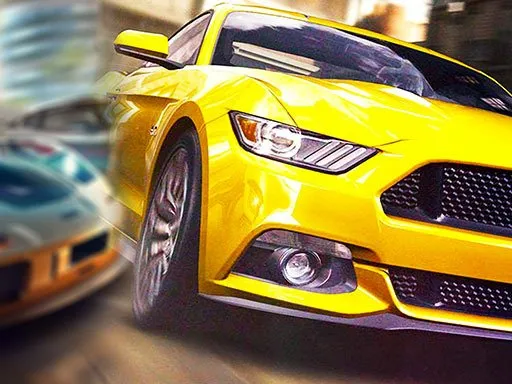
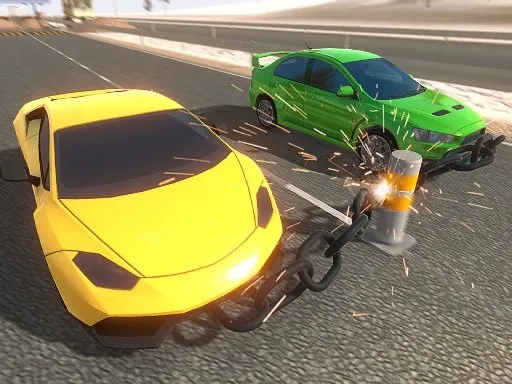
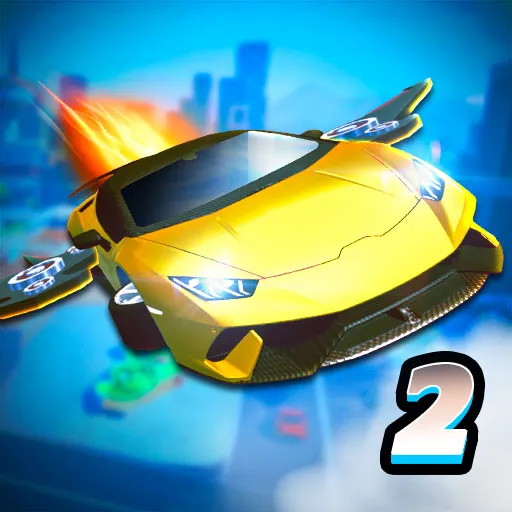
Thirty-five vehicles, sixty tracks and a two-player mode: Mad Cars Racing and Crash packs a lot into a free 3D browser game. Racing cars share the garage with armored cars, fire trucks, monster trucks and work machines.
Beyond the races there is an open driving zone plus a battlefield zone, and vehicles can be bought and improved. Player one uses the arrow keys with Right Shift for nitro; player two uses WASD with Left Shift. Press C to change the camera. It runs in your browser on a computer or a phone, with no download or sign-up.
Game details
| Genre | Racing |
|---|---|
| Controls | Keyboard |
| Platform | Browser, phone and tablet |
| Cost | Free, no download |
| Screen | 800 x 450 px |
How to play Mad Cars Racing and Crash
- Choose a vehicle and a mode: racing, free drive or the battlefield.
- Player one steers with the arrow keys; player two uses WASD.
- Use Right Shift (player one) or Left Shift (player two) for nitro.
- Press C to change the camera view.
- Earn rewards to buy better vehicles and improve them.
Tips for Mad Cars Racing and Crash
- Try the free drive area to learn how a new vehicle handles before racing.
- Heavy trucks need earlier braking than racing cars.
- Use nitro on straights and save it when a corner is coming up.
Frequently asked questions
Is Mad Cars Racing and Crash free to play?
Yes. Mad Cars Racing and Crash is free to play in your browser, with no download and no sign-up.
How does two-player mode work in Mad Cars Racing and Crash?
Player one uses the arrow keys with Right Shift for nitro, and player two uses WASD with Left Shift. Both share one keyboard.
How many vehicles does Mad Cars Racing and Crash have?
The game offers 35 vehicles, including racing cars, armored cars, trucks and work machines, plus 60 racetracks and a free drive area.
More to play: Racing games · 2 Player games · 3D games · Action games · Arcade games
Popular topics: cartoon · collecting · defense
Categories
Racing 2 Player 3D Action Car Arcade
Tags Comments