Rocket-vehicle-Online
Played 1 times.


About Rocket-vehicle-Online
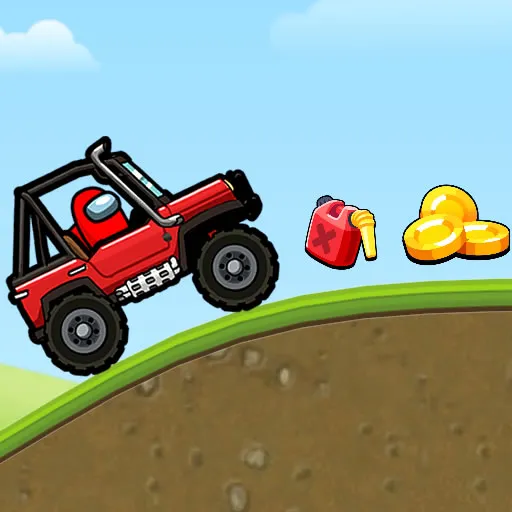
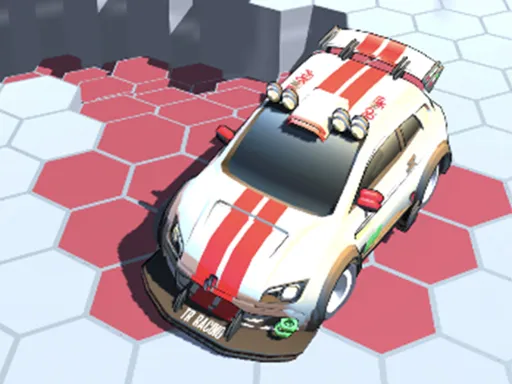
A rocket strapped to a car makes hills a lot more interesting. Levels are colourful and full of slopes, tunnels and obstacles, and holding the rocket button for longer pushes you forward harder. Slow-motion effects add drama to each launch, so even a short run feels like a stunt show.
Drive with W and S or the Up and Down arrow keys, and fire the rocket with the space bar. While airborne you can pull off tricks, which helps you reach the finish sooner. Completing levels unlocks new vehicle skins, giving you a reason to replay old courses.
Game details
| Genre | Car |
|---|---|
| Controls | Keyboard |
| Platform | Browser, phone and tablet |
| Cost | Free, no download |
| Screen | 800 x 600 px |
How to play Rocket-vehicle-Online
- Drive with W and S or the Up and Down arrow keys.
- Hold the space bar to charge your rocket, then release to blast forward.
- Perform stunts while you are in the air.
- Reach the end of each level to earn fresh looks for your car.
Tips for Rocket-vehicle-Online
- Hold the rocket longer for a big launch, but tap it briefly when you need fine control.
- Use hills as ramps and fire the rocket just as you leave the ground.
- Practise stunts on easy sections so they do not cost you speed on tough ones.
Frequently asked questions
Is Rocket-vehicle-Online free?
Yes. Rocket-vehicle-Online is free to play in your browser, with no download and no sign-up.
What are the controls in Rocket-vehicle-Online?
Use W and S or the Up and Down arrows to drive, and press the space bar to fire the rocket. Holding it longer adds more power.
Can I unlock anything in Rocket-vehicle-Online?
Yes. Clearing levels earns you new skins for your car, which gives you a reason to keep playing.
More to play: Car games · Kids games · Platform games
Categories Tags Comments