Slide Blocks
Played 2 times.


About Slide Blocks
A tidy board, a handful of shapes and one simple aim: fill a line completely and watch it disappear. Slide Blocks is a casual block puzzle where position is everything, and a good move today sets up a better one tomorrow.
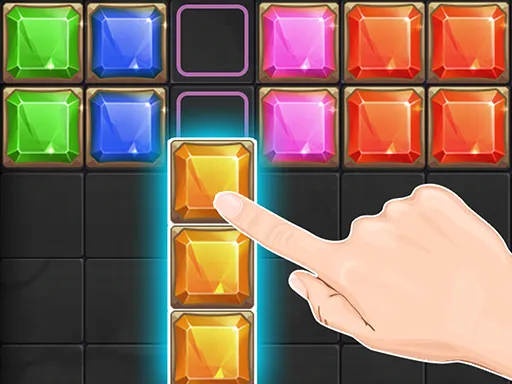
You drag a shape along the board and drop it exactly where it fits, using the mouse or a finger. Filling a full line produces a pleasing effect and adds points, and clearing line after line keeps the score climbing. It is a one-player logic game with a tall layout that suits phones, but it plays happily with a mouse on a desktop too.
Game details
| Genre | Puzzle |
|---|---|
| Controls | Mouse or touch |
| Platform | Browser, phone and tablet |
| Cost | Free, no download |
| Screen | 1080 x 1920 px |
How to play Slide Blocks
- Drag a shape with the mouse or your finger.
- Slide it left or right to line it up.
- Drop it in a position that fills a row.
- Clear lines one after another to collect points.
Tips for Slide Blocks
- Check where a shape will land before releasing it; slight sideways shifts matter.
- Aim to leave no awkward single-cell holes on the board.
- Think about which shape could come next when deciding where to place the current one.
Frequently asked questions
Is Slide Blocks free to play?
Yes. Slide Blocks is free, runs in your browser, and needs no download or sign-up.
How do I move blocks in Slide Blocks?
Drag a shape with your mouse, or with a finger on a touch screen, slide it left or right, and drop it into place.
How do I score in Slide Blocks?
Fill a full line with shapes to clear it and collect points. Clearing multiple lines in a row keeps your score growing.
More to play: Puzzle games · Block games
Categories Tags Comments