Lane Change 3D
Played 2 times.


About Lane Change 3D
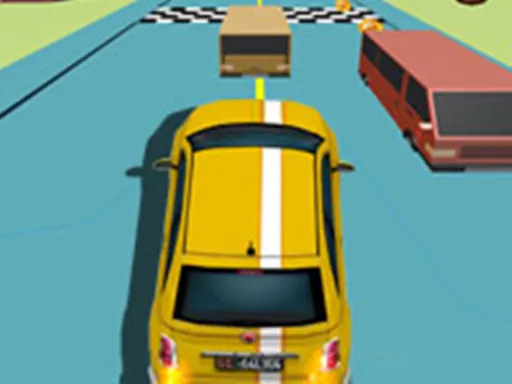
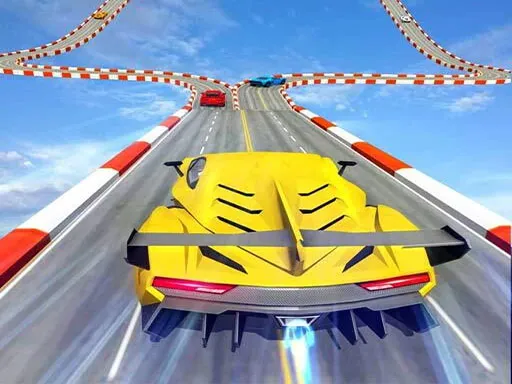
Dense traffic, obstacle-heavy routes and a car that needs to slip through gaps: that is Lane Change 3D in a sentence. It is an arcade driving game with challenging tracks that keep demanding fresh decisions.
Controls are limited to a tap or click, so everything comes down to timing. Wait for a gap, then commit rather than hesitating halfway, since half-finished lane changes cause the worst crashes. Look beyond the car right in front and read the pattern of traffic several vehicles ahead. Short runs make it a handy way to test your reactions.
Game details
| Genre | Racing |
|---|---|
| Controls | Mouse or touch |
| Platform | Browser, phone and tablet |
| Cost | Free, no download |
| Screen | 750 x 1334 px |
How to play Lane Change 3D
- Tap or click to change lanes.
- Wait for a gap in the traffic.
- Commit to the move once you go.
- Keep driving and avoid the obstacles.
Tips for Lane Change 3D
- Wait for a clear gap, then commit instead of hesitating halfway.
- Read traffic several cars ahead, not only the car in front.
- Use short runs to practice your timing.
Frequently asked questions
Is Lane Change 3D free to play?
Yes. Lane Change 3D is free, runs in your browser on brosgame.com and needs no download or sign-up.
How do I control Lane Change 3D?
Tap the screen or click with the mouse. The game uses simple one-input controls.
What makes Lane Change 3D challenging?
Constant traffic and routes full of obstacles mean you must time every lane change carefully with a single tap or click.
More to play: Racing games · 3D games · Boys games · Car games · Fun games
Categories Tags Comments