Japan Drift Racing Car Simulator
Played 2 times.


About Japan Drift Racing Car Simulator
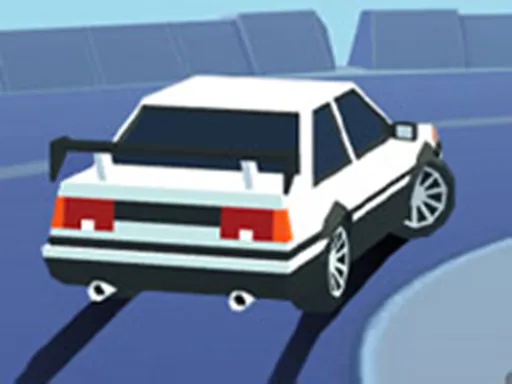
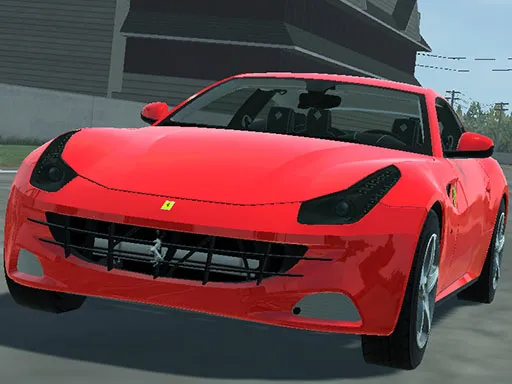
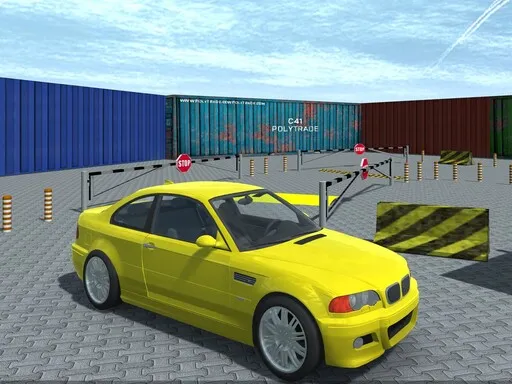
Six cars, one huge city and a lot of sideways driving. The whole thing takes place in one large city you can roam freely, and you pick from six Japanese drift cars to explore it at your own pace.
Traffic gets in the way, so drifting involves more than just sliding around corners: you have to avoid other vehicles too. A dedicated drift mode is included for when you simply want to practice. Keys cover everything you would expect: WASD or the arrow keys drive, Space is the handbrake, C changes the camera, F gives a boost, and L, Q, E and Z control the lights. It is a 3D game for the browser, with detailed models and sound.
Game details
| Genre | Racing |
|---|---|
| Controls | Keyboard |
| Platform | Browser, phone and tablet |
| Cost | Free, no download |
| Screen | 960 x 600 px |
How to play Japan Drift Racing Car Simulator
- Drive with WASD or the arrow keys.
- Press Space to use the handbrake and start a drift.
- Press F for a boost and C to change the camera.
- Use L for lights and Q, E and Z for the direction lights.
Tips for Japan Drift Racing Car Simulator
- Tap the handbrake briefly; holding it longer usually spins the car out.
- Practice in the drift mode before testing yourself in traffic.
- Pick the car that feels most predictable, then learn its slide.
Frequently asked questions
Is Japan Drift Racing Car Simulator free to play?
Yes. It is free in your browser, with no download or sign-up.
What are the controls in Japan Drift Racing Car Simulator?
WASD or the arrow keys drive, Space is the handbrake, C changes camera, F boosts, and L, Q, E and Z control the lights.
How many cars are in Japan Drift Racing Car Simulator?
There are six Japanese drift cars to drive around the city, plus a drift mode for practicing your slides.
More to play: Racing games · 3D games · Car games
Categories Tags Comments