LEGO CITY Memory Card Match
Played 1 times.


About LEGO CITY Memory Card Match
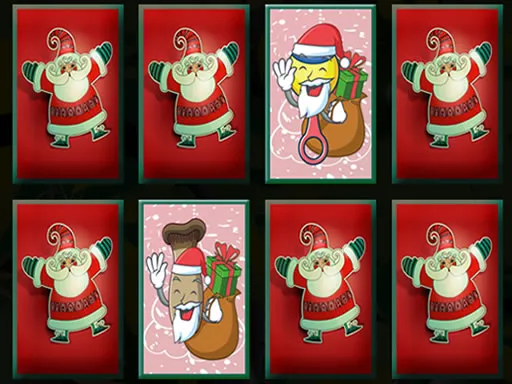
Some games are about speed. This one is about recall. LEGO CITY Memory Card Match lays out a board of face-down cards, each with a twin somewhere, and asks you to find them by turning cards over.
Choose a difficulty first, where a higher number means a larger grid and a heavier memory load. A pair that matches leaves the board; a miss flips both cards back. Over many rounds, you will find that you remember positions more easily. The game works with a mouse on a computer or with finger taps on a phone, so you can play anywhere.
Game details
| Genre | Puzzle |
|---|---|
| Controls | Mouse or touch |
| Platform | Browser, phone and tablet |
| Cost | Free, no download |
| Screen | 800 x 600 px |
How to play LEGO CITY Memory Card Match
- Pick the difficulty you want.
- Click or tap one card to reveal it.
- Reveal a second card and compare.
- If they match, the pair is removed; if not, both turn back.
- Uncover every pair to complete the level.
Tips for LEGO CITY Memory Card Match
- Do not flip randomly; use what you have already seen to guide each choice.
- Group the cards in your mind into regions, such as left side and right side.
- Raise the difficulty only when the current one feels easy.
Frequently asked questions
Is LEGO CITY Memory Card Match free?
Yes. LEGO CITY Memory Card Match is free, runs in your browser and needs no download or sign-up.
Can I play LEGO CITY Memory Card Match on a tablet?
Yes. Tap the cards to flip them. A mouse works on a computer.
How does difficulty change in LEGO CITY Memory Card Match?
A higher number adds more cards to the board, so there are more pictures to remember.
More to play: Puzzle games · Memory games
Popular topics: card
Categories Tags Comments