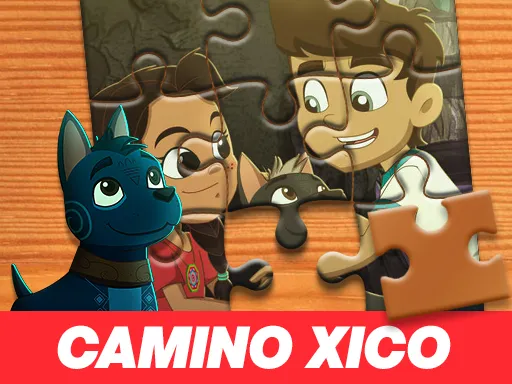
Gamer Puzzle
Played 5 times.


About Gamer Puzzle
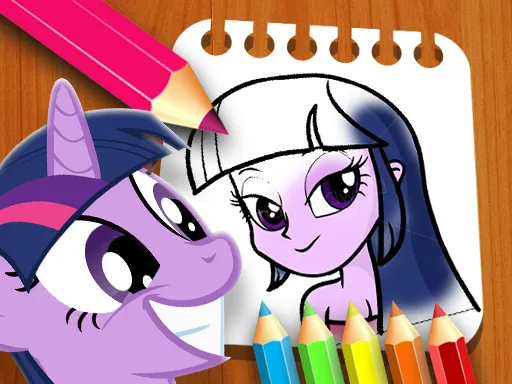
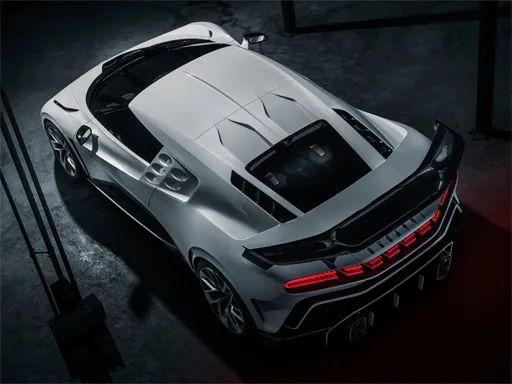
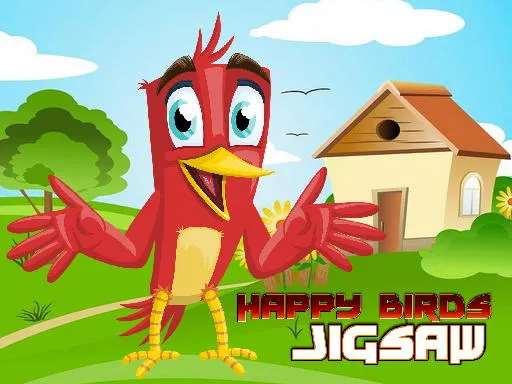
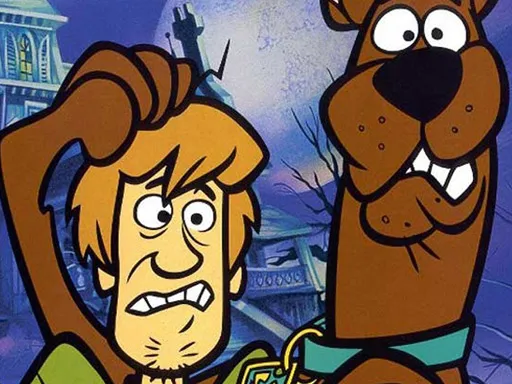
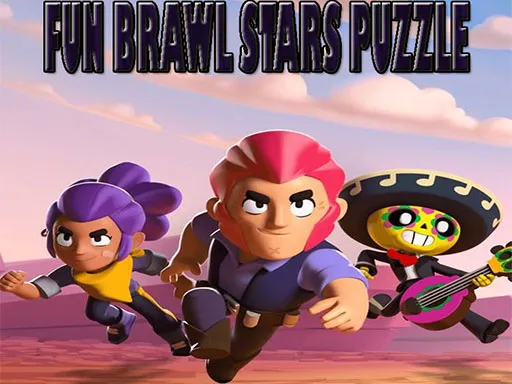
Gaming-themed pictures cut into pieces make a fitting puzzle for young players. Gamer Puzzle is a jigsaw built for children, with an educational side and a theme that suits anyone who likes video games.
The mouse is all you need: pick up a piece and place it where it belongs until the whole image is complete. There is no violence and no complicated menu, so it works for younger kids as well as for anyone who wants a calm break. Parents can sit alongside and help with tricky pieces, which turns a quiet puzzle into a small shared activity.
Game details
| Genre | Puzzle |
|---|---|
| Controls | Mouse or touch |
| Platform | Browser, phone and tablet |
| Cost | Free, no download |
| Screen | 320 x 180 px |
How to play Gamer Puzzle
- Look at the picture pieces on the screen.
- Click and drag a piece with the mouse.
- Drop it where it fits the image.
- Continue until the whole picture is finished.
Tips for Gamer Puzzle
- Start with edge pieces to build a frame.
- Sort pieces by color first to spot matches faster.
- Let kids try each piece several times; that is part of learning.
Frequently asked questions
Is Gamer Puzzle free to play?
Yes. Gamer Puzzle is free in your browser, with no download or sign-up.
What controls does Gamer Puzzle use?
Use the mouse to drag pieces into place. A computer is the easiest way to play.
Is Gamer Puzzle good for children?
Yes, it is designed as an educational jigsaw for kids. The rules are simple and the pace is relaxed.
More to play: Puzzle games · Jigsaw games
Categories Tags Comments