Grand City Missions
Played 3 times.


About Grand City Missions
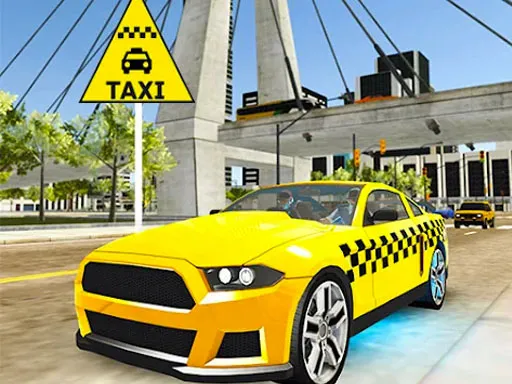
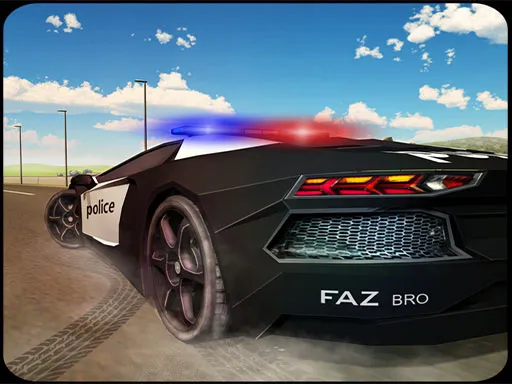
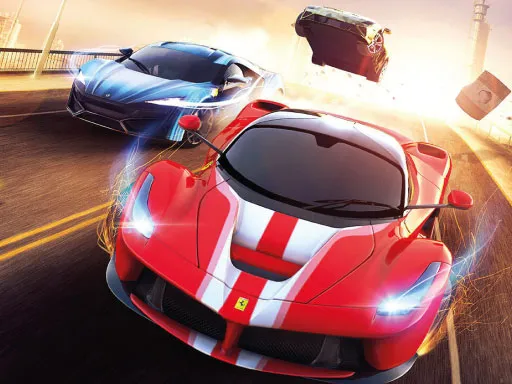
Two drivers, one huge city. Grand City Missions drops you into streets lined with giant buildings, with broad roads and a stunt arena to explore, and it offers both racing and career modes.
Seven cars are on offer, each with its own features, and a customization screen lets you change the paint and the wheels. Player one drives with W, A, S and D, uses F for NOS, T to look back and R to restart the car. Player two uses the arrow keys, K for NOS, L to look back and O to restart. A computer keyboard is the best fit.
Game details
| Genre | Racing |
|---|---|
| Controls | Keyboard |
| Platform | Browser, phone and tablet |
| Cost | Free, no download |
| Screen | 800 x 450 px |
How to play Grand City Missions
- Choose racing or career mode.
- Pick one of the seven cars and customize its paint and wheels.
- Player one: W, A, S and D to drive, F for NOS.
- Player two: arrow keys to drive, K for NOS.
- Use the look-back and restart keys when you need them.
Tips for Grand City Missions
- Compare the cars before a race; their features differ.
- Save NOS for a clear straight rather than a crowded corner.
- Restart a stuck car straight away instead of fighting it.
Frequently asked questions
Is Grand City Missions free to play?
Yes. Grand City Missions is free, runs in your browser, and needs no download and no sign-up.
Can two people play Grand City Missions?
Yes. Player one uses W, A, S and D with F for NOS, and player two uses the arrow keys with K for NOS, all on one keyboard.
What can I customize in Grand City Missions?
You can pick from seven cars and then change the paint and wheels through the customization screen.
More to play: Racing games · 2 Player games · Adventure games · Boys games · Car games
Popular topics: 2 player games · drift · race
Categories
Racing 2 Player Adventure Car Boys
Tags Comments