Fruits Guess Game2D
Played 1 times.


About Fruits Guess Game2D
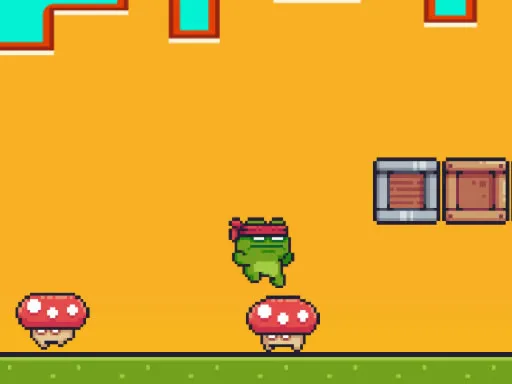
A platformer that quietly teaches you fruit names is not what most people expect. Fruits Guess Game2D runs across ten levels, and each level asks you to collect a set of objects before it counts as complete.
Finish a stage and the name of a fruit is revealed, which turns the guessing part of the title into the reward. You run and jump through each area, picking up the items you need along the way. The pace is easy, and the format works well for younger players. Controls are on the keyboard, so it plays best on a computer.
Game details
| Genre | Puzzle |
|---|---|
| Controls | Keyboard |
| Platform | Browser, phone and tablet |
| Cost | Free, no download |
| Screen | 960 x 600 px |
How to play Fruits Guess Game2D
- Run with A and D, or with the left and right arrow keys.
- Press the space bar to jump.
- Collect the objects required to finish the level.
- Read the fruit name revealed when you win.
Tips for Fruits Guess Game2D
- Check which objects the level asks for before you start moving.
- Jump early rather than at the very edge of a platform.
- Try to guess the fruit before the name is revealed, for a bit of extra challenge.
Frequently asked questions
Is Fruits Guess Game2D free?
Yes. Fruits Guess Game2D is free to play in your browser, with no download and no sign-up.
What are the controls in Fruits Guess Game2D?
Move with A and D or the left and right arrow keys, and press the space bar to jump. It plays best on a computer.
How many levels does Fruits Guess Game2D have?
There are 10 levels. Each one reveals the name of a new fruit once you complete it.
More to play: Puzzle games · Arcade games · Kids games · Platform games
Popular topics: 1 player · 2d · collecting
Categories Tags Comments