Zombie Driver Squad 3D
Played 2 times.


About Zombie Driver Squad 3D
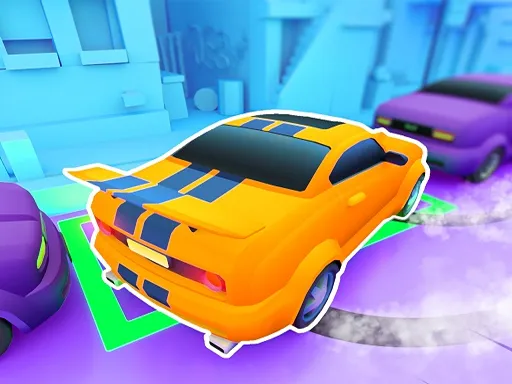
Zombies on the road and a gun on the car: that is the whole pitch of Zombie Driver Squad 3D. You drive across an apocalyptic landscape, shoot the undead, steer around other vehicles and hazards, and pick up coins on the way.
Between runs, the garage lets you swap your weapon, add armor or buy a different car, so each attempt feeds the next. It is controlled with the mouse, and an introduction walks you through it, so it works on a computer or a touch screen. Runs are quick and easy to restart.
Game details
| Genre | Racing |
|---|---|
| Controls | Mouse or touch |
| Platform | Browser, phone and tablet |
| Cost | Free, no download |
| Screen | 600 x 800 px |
How to play Zombie Driver Squad 3D
- Pick a car and follow the in-game introduction.
- Steer with the mouse or your finger and shoot the zombies ahead.
- Dodge traffic and roadblocks as they appear.
- Collect coins and spend them on weapons, armor and new vehicles.
Tips for Zombie Driver Squad 3D
- Upgrade armor first if you keep crashing, and weapons if you keep running out of time.
- Clear zombies early so they do not pile up in your lane.
- Pick up coins when it is safe, since upgrades drive your progress.
Frequently asked questions
Is Zombie Driver Squad 3D free to play?
Yes. It is free in your browser, with no download and no sign-up.
How do I control Zombie Driver Squad 3D?
Use the mouse on a computer or touch on a phone, and follow the in-game introduction for the details.
Can I upgrade my car in Zombie Driver Squad 3D?
Yes. Swap its weapon or armor, or purchase other car models from the store, using the coins you pick up.
More to play: Racing games · Action games · Adventure games · Arcade games · Car games
Categories
Racing Adventure Action Car Arcade Hypercasual Zombie Fun Kids
Tags Comments