Gun Shooting CS
Played 1 times.


About Gun Shooting CS
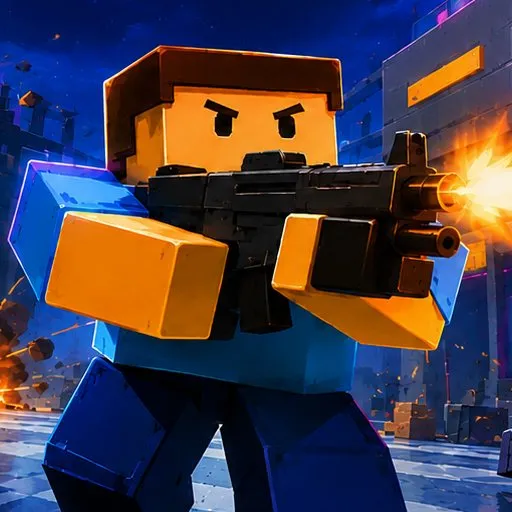
A browser shooter in the .io tradition, so the matches are quick to join and easy to understand. You run, jump and crouch around the map, switch between weapons as the fight demands and can climb into a vehicle when you need to cover ground faster than your legs allow.
WASD moves you, and the mouse handles aiming, shooting and weapon switching. Space jumps, shift crouches and E enters or exits a vehicle. The window is 800x600 and it loads in the browser, so a round is only a click away. Good aim and smart movement matter most.
Game details
| Genre | Shooting |
|---|---|
| Controls | Keyboard + mouse or touch |
| Platform | Browser, phone and tablet |
| Cost | Free, no download |
| Screen | 800 x 600 px |
How to play Gun Shooting CS
- Move with W, A, S and D.
- Use the mouse to aim, shoot and switch weapons.
- Press space to jump and shift to crouch.
- Press E to get in or out of a vehicle.
Tips for Gun Shooting CS
- Crouch when you stop to shoot, then jump or strafe once you start moving again.
- Use a vehicle to cross open ground quickly, then step out for close fights.
- Switch weapons based on the distance to your target.
Frequently asked questions
Is Gun Shooting CS free?
Yes. Gun Shooting CS is free in your browser, with no download and no sign-up.
What are the controls in Gun Shooting CS?
WASD to move, the mouse to aim, shoot and switch weapons, space to jump, shift to crouch and E to use a vehicle.
Can I drive vehicles in Gun Shooting CS?
Yes. Press E to enter or exit a vehicle, which lets you travel across the map more quickly.
More to play: Shooting games · .io games · Shooter games
Categories Tags Comments