Drift Rider
Played 2 times.


About Drift Rider
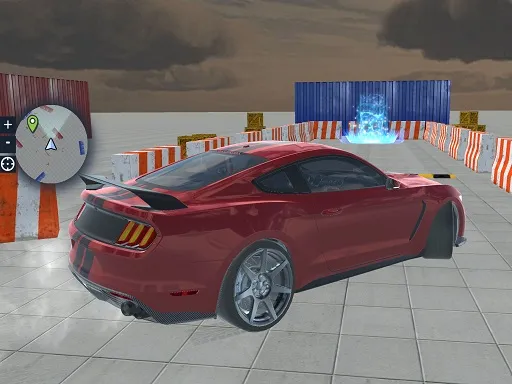
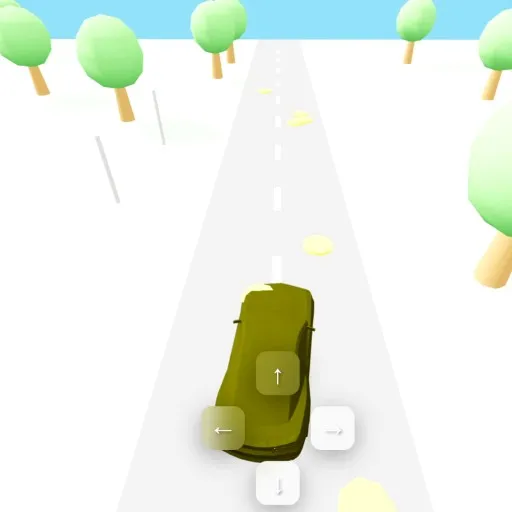
Points are the currency in Drift Rider. Slide your car through city streets and along open highway in 3D, and the points you earn open up more cars and customization options.
The controls are generous. WASD or the arrow keys steer, Space brakes, R resets the car if you get stuck, C swaps the camera and P enlarges the screen. That reset button is a real time saver when a drift ends badly. Because progress is tied to how well you slide, the natural goal is smooth, long drifts rather than top speed, and it all runs free in your browser.
Game details
| Genre | Racing |
|---|---|
| Controls | Keyboard + mouse or touch |
| Platform | Browser, phone and tablet |
| Cost | Free, no download |
| Screen | 960 x 600 px |
How to play Drift Rider
- Steer with WASD or the arrow keys.
- Hold Space to brake and kick your car into a slide.
- Press R to reset the car, C to change the camera and P to enlarge the screen.
- Earn points from your drifts to unlock and customize new cars.
Tips for Drift Rider
- Link two or three drifts in a row; longer, smoother slides tend to earn more points.
- Press R straight away if the car lands in a bad position instead of struggling to recover.
- Switch the camera with C if a corner is hard to judge from the default view.
Frequently asked questions
Is Drift Rider free to play?
Yes. Drift Rider is free, runs in the browser and needs no download or account.
What are the controls in Drift Rider?
WASD or arrow keys steer, Space brakes, R resets the car, C changes the camera and P enlarges the screen. It also loads on mobile devices.
What are points used for in Drift Rider?
Points earned from drifting unlock a wider range of cars and let you tune and personalize those vehicles in more depth.
More to play: Racing games · Car games
Categories Tags Comments