Police Cars Parking
Played 2 times.


About Police Cars Parking
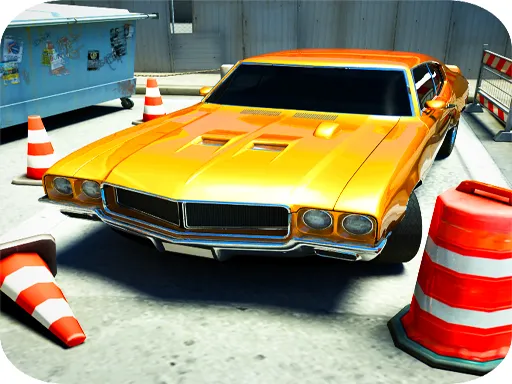
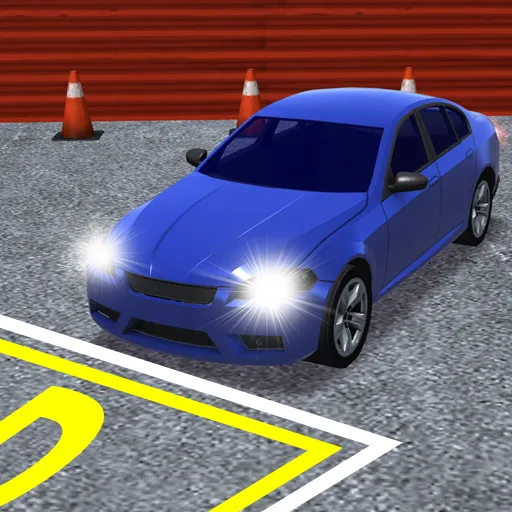
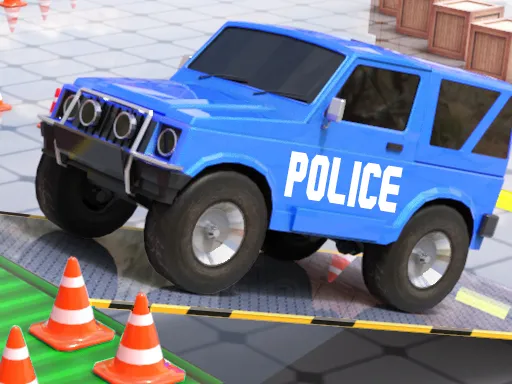
Parking a police car sounds easy until the lot fills up with cones, barriers and every other vehicle in town. Police Cars Parking starts gently, then stretches the levels out and moves the target bays a long way off.
Traffic, ambulances and crowded streets all stand between you and the target space, so precision matters more than speed. Drive with W, A, S and D and use the space bar to stop. Because each level builds on the last, you slowly learn how much room a patrol car needs. It is a 3D game for the browser, and a keyboard on a computer makes it easiest.
Game details
| Genre | Racing |
|---|---|
| Controls | Keyboard |
| Platform | Browser, phone and tablet |
| Cost | Free, no download |
| Screen | 900 x 600 px |
How to play Police Cars Parking
- Start the level and find the parking space.
- Drive with W, A, S and D.
- Press Space to brake.
- Steer around cones, barriers, cars and ambulances.
- Park the police car inside the target spot.
Tips for Police Cars Parking
- Take corners wide; patrol cars are longer than they feel.
- Brake gently as you near the spot, then roll in.
- Use the early easy levels to learn how the car turns.
Frequently asked questions
Is Police Cars Parking free?
Yes. It is free in your browser, with no download and no sign-up.
What controls does Police Cars Parking use?
Use W, A, S and D to drive and Space to brake. A keyboard on a computer works best.
How does Police Cars Parking get harder?
Levels grow bigger, the target bays sit further off and the streets fill with cars and obstacles.
More to play: Racing games · 3D games · Boys games · Girls games · Kids games
Categories
Racing 3D Kids Girls Boys Parking
Tags Comments