City Drive
Played 2 times.


About City Drive
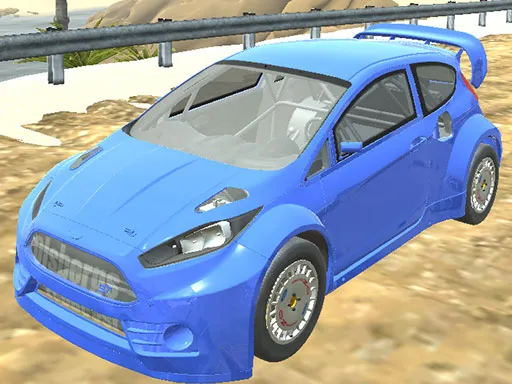
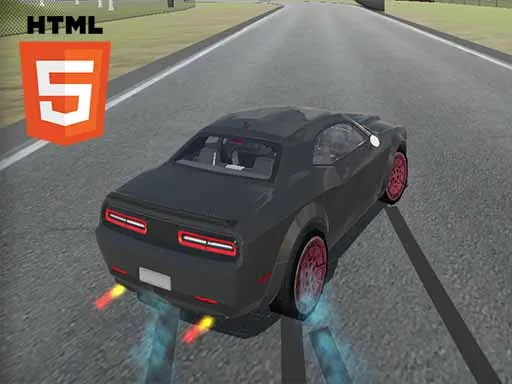
Cruising around a city without a ticking clock is a relaxing way to spend a few minutes. City Drive is a 3D driving simulator that offers three game modes and a selection of cars you can customise.
Handling is controlled with the WASD keys, Space works as a handbrake, and C swaps the camera between views. Pause with Escape or Tab whenever you need a break. It is more of a sandbox than a strict racer, so you can choose how seriously to take things and tweak your car to suit the way you like to drive.
Game details
| Genre | Racing |
|---|---|
| Controls | Keyboard |
| Platform | Browser, phone and tablet |
| Cost | Free, no download |
| Screen | 960 x 540 px |
How to play City Drive
- Choose one of the three game modes.
- Pick and customise your car.
- Drive with W, A, S and D and use Space for the handbrake.
- Press C to switch camera views, and Esc or Tab to pause.
Tips for City Drive
- Switch to a wider camera view with C when you are weaving through traffic.
- Use the handbrake sparingly; it is best for sharp turns rather than gentle bends.
- Spend a few minutes customising your car so it feels right before you start driving.
Frequently asked questions
Is City Drive free to play?
Yes. City Drive is free, runs in the browser and needs no download or sign-up.
How do I control City Drive?
Use W, A, S and D to drive, Space for the handbrake, C for the camera and Esc or Tab to pause. Touch controls are available on mobile.
What can I do in City Drive?
It is a driving simulator with three game modes and multiple customisable cars, so you can drive around the city and adjust your vehicle.
More to play: Racing games
Categories Tags Comments