
About Ultimate Car Tracks
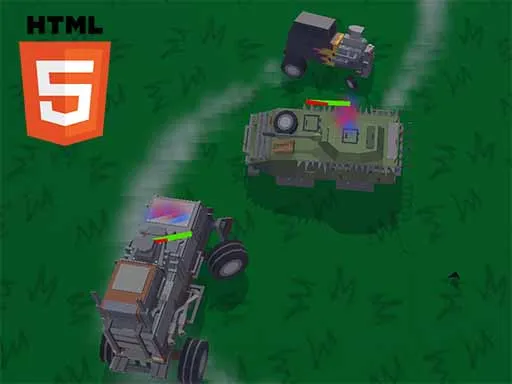
Sometimes a driving game does not need a long explanation. Ultimate Car Tracks gives you a pick of cars, a run of levels and a challenge that increases as you go.
The controls are kept to W, A, S and D, so you can learn them in seconds and then focus on the track itself. With only brief details to go on, the best description is a straightforward 3D driving challenge that loads quickly in your browser. If you like picking a car and seeing how each one handles on a course, it is a simple way to spend a short break at a computer.
Game details
| Genre | Racing |
|---|---|
| Controls | Keyboard |
| Platform | Browser, phone and tablet |
| Cost | Free, no download |
| Screen | 960 x 600 px |
How to play Ultimate Car Tracks
- Pick a car.
- Start the first level.
- Drive with W, A, S and D.
- Stay on the track and reach the finish.
- Move on to the next, harder level.
Tips for Ultimate Car Tracks
- Test each car; they may not all handle the same.
- Brake before sharp corners instead of in the middle of them.
- Replay a level you struggle with to learn the layout.
Frequently asked questions
Is Ultimate Car Tracks free?
Yes. It is free in your browser, with no download and no sign-up.
What controls does Ultimate Car Tracks use?
W, A, S and D control the car. A keyboard on a computer is the best way to play.
What can I expect from Ultimate Car Tracks?
A 3D driving game with multiple cars and levels, where the challenge grows as you progress.
More to play: Racing games · Car games











💬 Comments