
About City Parking Master 3D
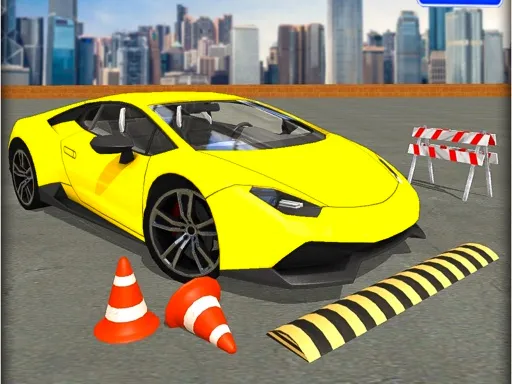
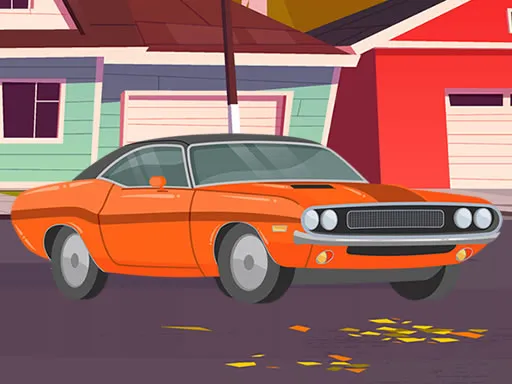
Cones, narrow turns and a space that looks just a little too small: City Parking Master 3D is about careful driving rather than racing. Each mission sends you through city traffic zones toward a marked bay.
The objective is to park the entire vehicle inside the highlighted space without hitting anything on the way. Guides show you where to aim, and the satisfaction comes from fitting in cleanly. W, A, S and D or the arrow keys steer and drive, and the space bar brakes. Take it slowly and treat every cone as a lesson in precision.
Game details
| Genre | Racing |
|---|---|
| Controls | Keyboard |
| Platform | Browser, phone and tablet |
| Cost | Free, no download |
| Screen | 800 x 600 px |
How to play City Parking Master 3D
- Drive and steer with W, A, S and D or the arrow keys.
- Press Space to brake.
- Follow the parking guides to the highlighted bay.
- Park with the whole car inside the space and avoid hitting anything.
Tips for City Parking Master 3D
- Approach the bay at a slight angle, then straighten as you roll in.
- Use light throttle taps for fine control in tight areas.
- Check both sides of the car before you commit to a turn.
Frequently asked questions
Is City Parking Master 3D free to play?
Yes. City Parking Master 3D is free, runs in your browser and needs no download or sign-up.
What controls does City Parking Master 3D use?
Use WASD or the arrow keys to drive and steer, and the Space bar to brake.
How do I complete a level in City Parking Master 3D?
Drive through the cones and tight corners and stop with the entire vehicle inside the marked bay, without any crash.
More to play: Racing games · 3D games · Car games · Parking games



💬 Comments