Secure Parking
Played 2 times.


About Secure Parking
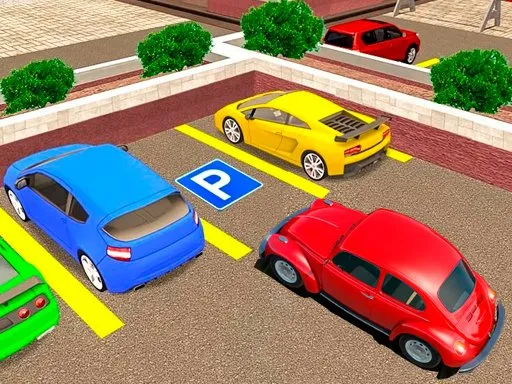
Each new level adds obstacles, and that steady escalation is the main idea behind Secure Parking. You work through driving courses of increasing difficulty, and the central job never changes: slip into the space without harming any of the cars nearby.
The interface keeps things clear. You can see the current level and a countdown timer while you work, and a pause button lets you step away and return later without losing progress. Driving uses the keyboard arrow keys or the buttons shown on the display, so it is easy to play on a computer or a phone. It suits anyone who enjoys careful, low-speed puzzle driving rather than racing.
Game details
| Genre | Racing |
|---|---|
| Controls | Keyboard + mouse or touch |
| Platform | Browser, phone and tablet |
| Cost | Free, no download |
| Screen | 960 x 540 px |
How to play Secure Parking
- Drive with the arrow keys, or tap the buttons on the display.
- Steer carefully along the course toward the space.
- Avoid touching the neighboring cars and other obstacles.
- Park inside the space before the timer ends.
Tips for Secure Parking
- Study the layout for a moment before you move; planning saves time.
- Hit pause if you want to think without the clock running.
- Take wide turns early so the car is straight when it reaches the space.
Frequently asked questions
Is Secure Parking free to play?
Yes. It is free in your browser, and there is no download or sign-up.
How do I drive in Secure Parking?
Use the keyboard arrow keys on a computer, or the buttons shown on screen on a phone or tablet.
Can I pause Secure Parking?
Yes. There is a pause button, so you can stop the game and carry on later, while the level and timer stay visible during play.
More to play: Racing games · Car games · Fun games · Parking games · Skill games
Categories Tags Comments