Advance Car Parking Driver Simulator
Played 2 times.


About Advance Car Parking Driver Simulator
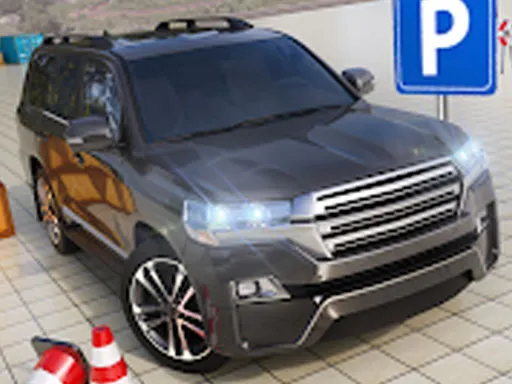
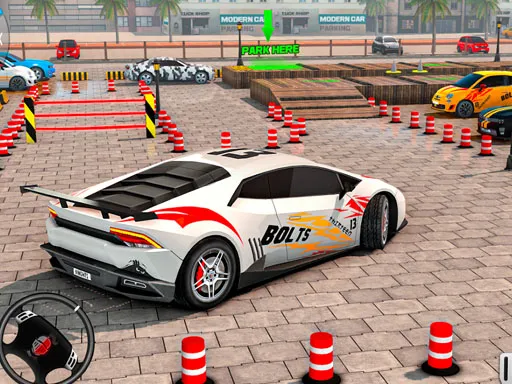
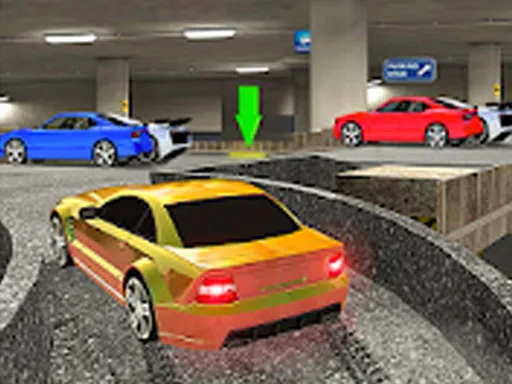
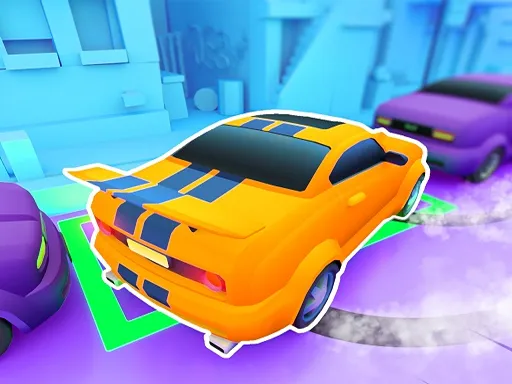
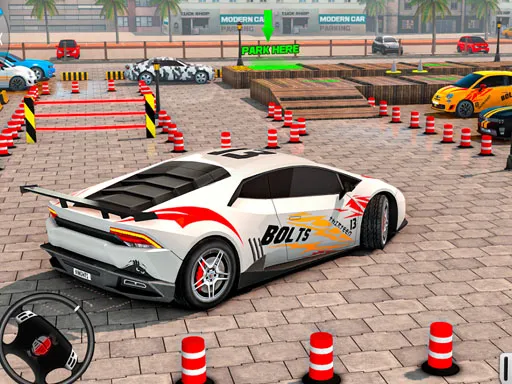
Seeing the whole car is half of parking, and this game gives you tools for that. Advance Car Parking Driver Simulator lets you change the camera angle by swiping up, down, left or right, and zoom by double touch, so you can look at your position from the angle you need.
On a computer, driving uses keyboard controls, while touch devices can use the camera gestures. The idea is to practice parking until the process feels natural, with 3D visuals and simulation-style handling. It works in your browser, with nothing to install, and suits patient players who like to study a tight space.
Game details
| Genre | Racing |
|---|---|
| Controls | Keyboard |
| Platform | Browser, phone and tablet |
| Cost | Free, no download |
| Screen | 900 x 600 px |
How to play Advance Car Parking Driver Simulator
- Use the keyboard to drive and steer your car.
- Swipe the screen to rotate the camera angle.
- Double-tap to zoom in or out for a better view.
- Park inside the target space without hitting anything.
Tips for Advance Car Parking Driver Simulator
- Rotate the camera to check the corners before you commit to a turn.
- Zoom out when entering the lot and zoom in for the final alignment.
- Drive slowly in small steps; precision matters more than speed.
Frequently asked questions
Is Advance Car Parking Driver Simulator free to play?
Yes. It is free in your browser, with no download and no sign-up.
How do I change the camera in Advance Car Parking Driver Simulator?
Swipe up, down, left or right to rotate the view, and double touch to zoom in and out.
What controls does Advance Car Parking Driver Simulator use?
Driving uses keyboard controls on a computer, while the camera uses touch gestures on a touch screen.
More to play: Racing games · Action games · Adventure games · Arcade games · Boys games
Categories
Racing Adventure Action Car Arcade Girls Simulation Boys Parking
Tags Comments