Parking Cars 2022
Played 2 times.


About Parking Cars 2022
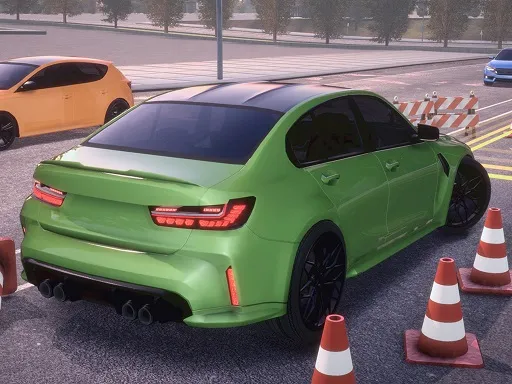
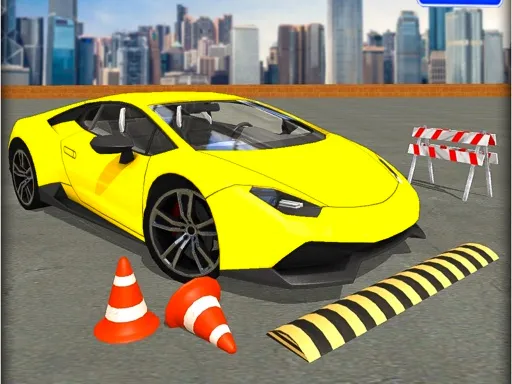
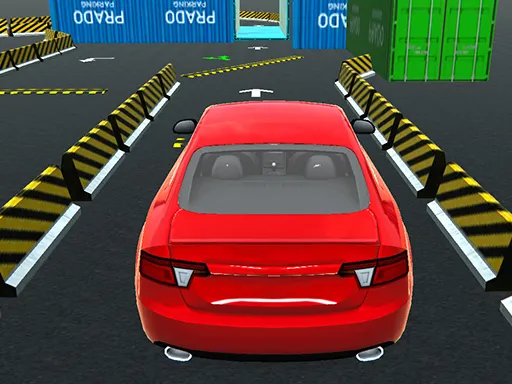
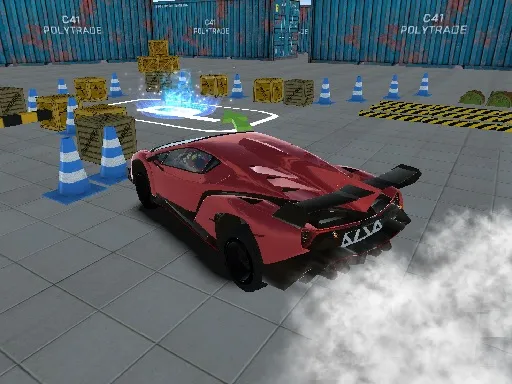
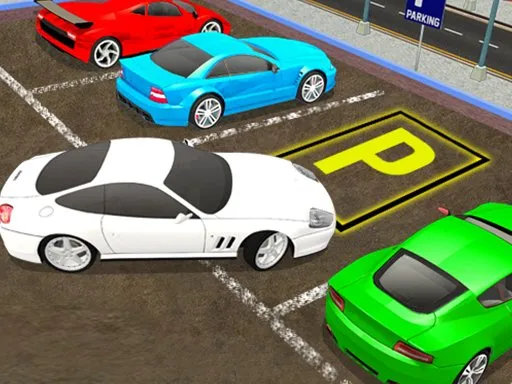
Plenty of parking games look alike, but Parking Cars 2022 tries to stand out with better visuals and some helpful extras. A sensor system helps you judge distances when the space gets tight, and you can switch between a driver's-seat camera and one outside the vehicle.
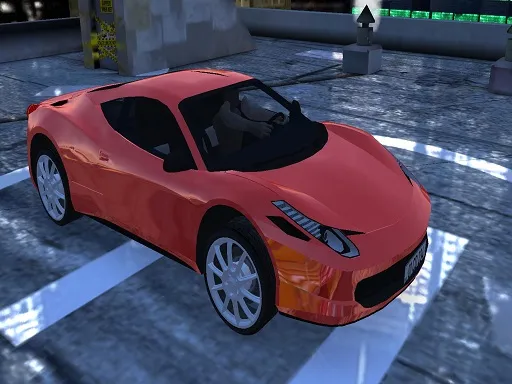
Looking around from the driver's seat makes the experience feel more genuine, and the outside views are handy when you need to see your bumpers. You drive with the WASD keys, so a computer is the natural choice, although the page also opens on phones. It is a one-player game, free in the browser, with no download and no sign-up.
Game details
| Genre | Racing |
|---|---|
| Controls | Keyboard |
| Platform | Browser, phone and tablet |
| Cost | Free, no download |
| Screen | 800 x 600 px |
How to play Parking Cars 2022
- Start the game and choose the camera view you like best.
- Drive with W, A, S and D.
- Watch the parking sensor as you approach the space.
- Ease the car into position without bumping anything.
Tips for Parking Cars 2022
- Switch to an outside camera when you cannot judge how close the car is to a wall.
- Use the sensor warnings to creep forward instead of guessing the distance.
- Straighten the car early so you need fewer corrections in the final metre.
Frequently asked questions
Is Parking Cars 2022 free to play?
Yes. Parking Cars 2022 is free, runs in your browser and needs no download or sign-up.
What controls does Parking Cars 2022 use?
You drive with the WASD keys. A keyboard is the best way to play, although the page can also load in a mobile browser.
Does Parking Cars 2022 have different camera views?
Yes. You can sit behind the wheel or watch from outside the vehicle, which helps when you need to judge distances.
More to play: Racing games · Car games · Parking games
Popular topics: 1 player · 3d games · cars · driving · supercars · unity3d
Categories Tags Comments