Sky driving Missions
Played 1 times.


About Sky driving Missions
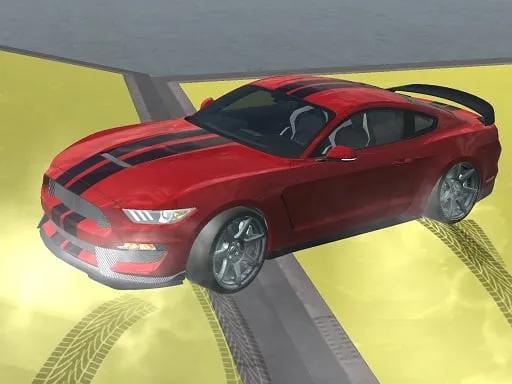
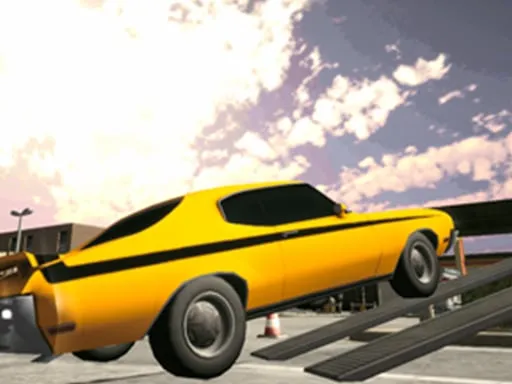
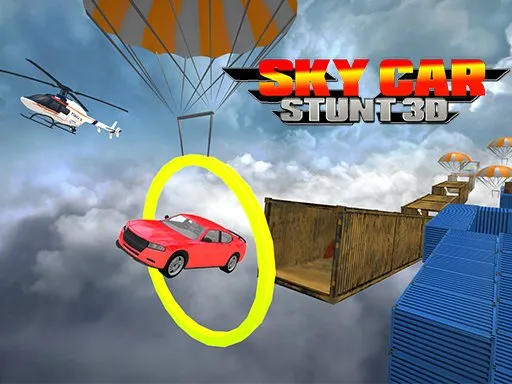
Mega ramps, zigzag tracks and a long drop on either side: that is the setting for Sky driving Missions. It is a 3D stunt game in which you work through driving missions on tracks that hang high in the air, with jumps that look almost impossible.
Steering is keyboard-based, so a computer works best, but the page does load on phones too. You need a steady touch because the roads are narrow and ramps ask you to keep your speed in check. Falling means starting the mission again, so the challenge is partly about patience. It is free in your browser, with no download and no account.
Game details
| Genre | Racing |
|---|---|
| Controls | Keyboard |
| Platform | Browser, phone and tablet |
| Cost | Free, no download |
| Screen | 800 x 600 px |
How to play Sky driving Missions
- Pick a mission and check the track ahead of you.
- Use the keyboard to accelerate, brake and steer.
- Approach each ramp straight and at a controlled speed.
- Stay on the track and complete the mission.
Tips for Sky driving Missions
- Line up with the ramp early; a crooked approach usually ends in a fall.
- Do not just hold the accelerator; moderate speed keeps the car stable on narrow tracks.
- Restart quickly after a fall and use the mistake to adjust your next attempt.
Frequently asked questions
Is Sky driving Missions free to play?
Yes. Sky driving Missions is free, runs in your browser and needs no download or sign-up.
How do I control Sky driving Missions?
The game uses keyboard controls, so try the arrow keys or WASD. A computer is easiest, but the page also loads on phones.
What is the aim in Sky driving Missions?
Drive along high, difficult tracks, jump ramps and complete each mission without falling off. Control matters more than raw speed.
More to play: Racing games · .io games · 3D games · Action games · Boys games
Categories
Racing .io 3D Action Girls Simulation Boys
Tags Comments