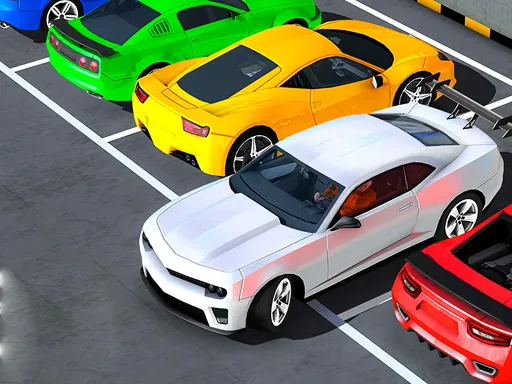
3D Truck Parking
Played 2 times.


About 3D Truck Parking
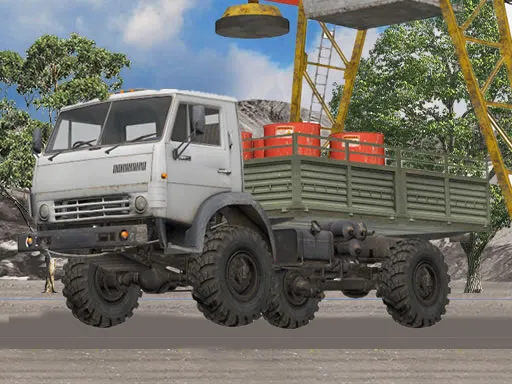
Parking a long trailer takes real planning, and that is the heart of 3D Truck Parking. You pilot a trailer truck around a sprawling city and aim for a marked parking area, with physics that make the rig feel heavy. A camera control lets you view the truck from different angles, which helps when the space is tight.
Steer with W, A, S and D or the arrow keys, so a computer is the best place to play, though the game is marked mobile-friendly. Go slowly and glance around with the camera before each corner. It opens in your browser at 960x540 with no download.
Game details
| Genre | Racing |
|---|---|
| Controls | Keyboard |
| Platform | Browser, phone and tablet |
| Cost | Free, no download |
| Screen | 960 x 540 px |
How to play 3D Truck Parking
- Use W, A, S, D or the arrow keys to drive the truck.
- Follow the road toward the marked parking area.
- Switch the camera to check angles around the trailer.
- Park the truck inside the marked zone.
Tips for 3D Truck Parking
- Swing wide before turning, since the trailer cuts corners.
- Change the camera view when you cannot see your trailer.
- Reverse in tiny movements to line up the rig.
Frequently asked questions
Is 3D Truck Parking free to play?
Yes. 3D Truck Parking is free, runs in your browser, and requires no download or sign-up.
What controls does 3D Truck Parking use?
Drive with W, A, S and D or the arrow keys, and switch the camera view to see the truck from other angles.
What is the goal in 3D Truck Parking?
Drive a trailer truck through a city and park it inside the marked area without hitting anything.
More to play: Racing games · Casual games · Fun games · Parking games · Skill games
Categories
Racing Casual Truck Fun Skill Parking
Tags Comments