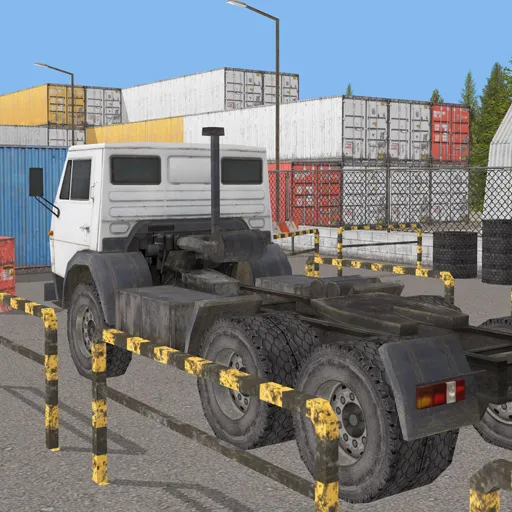
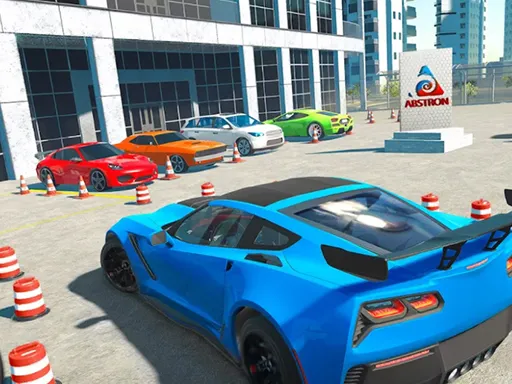
Offroad Bus Simulator Games 3D
Played 2 times.


About Offroad Bus Simulator Games 3D
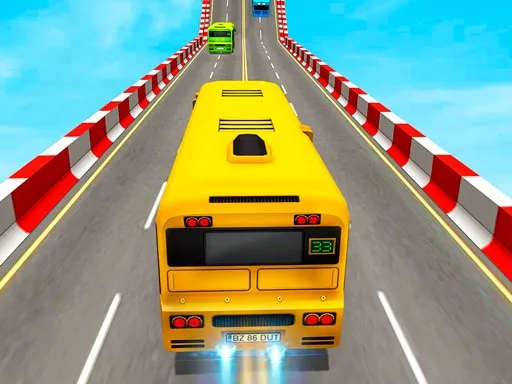
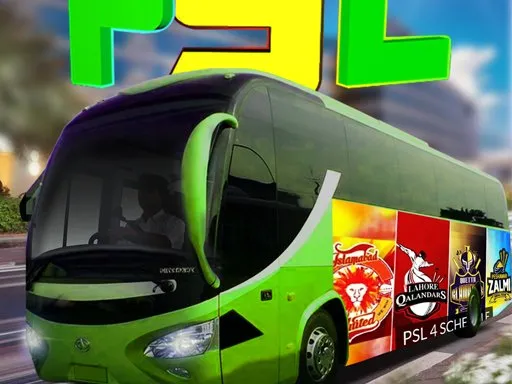
Driving a bus is nothing like driving a car, and taking one off the paved road makes it even more of a handful. Offroad Bus Simulator Games 3D asks you to handle a big vehicle through 3D courses where parking and obstacle control matter.
The game belongs to the simulation and parking family, which means patience is a virtue. Careful throttle control and wide, smooth turns work better than rushing. You steer with the keyboard, so a computer gives the best experience, although the page also loads on mobile browsers. It is free to play, with no download and no account, so you can start straight away.
Game details
| Genre | Racing |
|---|---|
| Controls | Keyboard |
| Platform | Browser, phone and tablet |
| Cost | Free, no download |
| Screen | 900 x 600 px |
How to play Offroad Bus Simulator Games 3D
- Start a level and check where the bus has to go.
- Drive with the keyboard, such as the arrow keys or WASD.
- Take wide, steady turns to guide the bus around obstacles.
- Park in the target area to complete the task.
Tips for Offroad Bus Simulator Games 3D
- Allow extra room for turns; a bus swings much wider than a car.
- Ease off the accelerator before tight spots to avoid hitting something.
- Use gentle, repeated steering inputs rather than one big turn.
Frequently asked questions
Is Offroad Bus Simulator Games 3D free?
Yes. It is free to play, runs in your browser and requires no download and no sign-up.
How do I control Offroad Bus Simulator Games 3D?
Use the keyboard, for example the arrow keys or WASD. A computer is the most comfortable choice, though the page does load on phones.
Why is the bus hard to handle in Offroad Bus Simulator Games 3D?
A bus is large and swings wide in corners, so you need earlier steering and slower speeds than with a normal car.
More to play: Racing games · 3D games · Car games · Parking games · Simulation games
Categories
Racing 3D Car Truck Simulation Parking
Tags Comments