Drifting SuperCars Racing 3D
Played 1 times.


About Drifting SuperCars Racing 3D
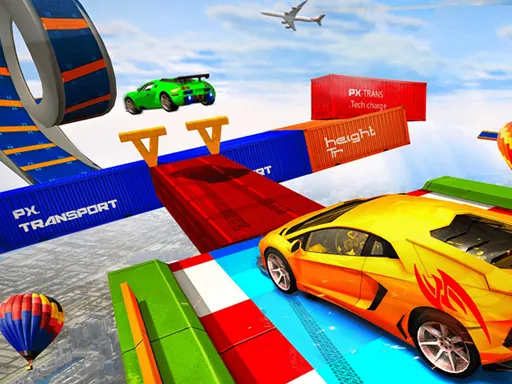
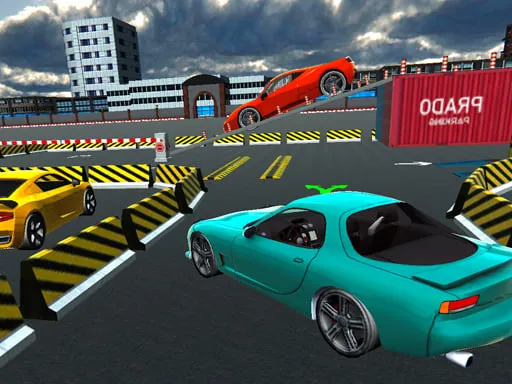
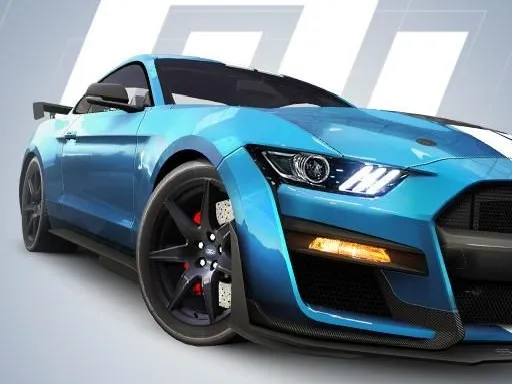
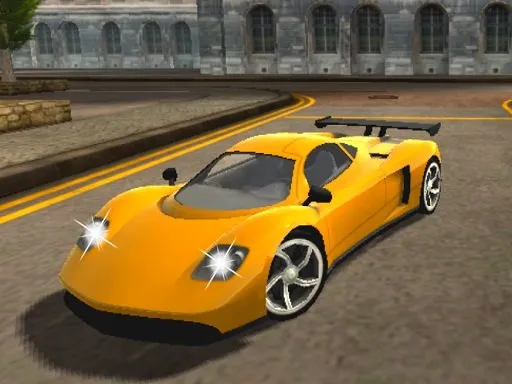
Fast cars, loose tails and rivals who will not let you cruise. Drifting SuperCars Racing 3D drops you into 3D races across different maps, where sliding through a corner with confidence is the whole skill.
On a computer you steer with WASD, flick on nitro with F and pull the handbrake with Space to start a slide. You can also personalise your car between races. It loads on phones too, though the keyboard controls are made for a proper setup. Mastering the balance between sliding and gripping is what separates the front of the pack from the rest.
Game details
| Genre | Racing |
|---|---|
| Controls | Keyboard |
| Platform | Browser, phone and tablet |
| Cost | Free, no download |
| Screen | 800 x 600 px |
How to play Drifting SuperCars Racing 3D
- Press W to drive and S to brake, and steer with A and D.
- Tap Space for the handbrake to start a drift in corners.
- Press F to use nitro when the road opens up.
- Press B to look behind you and check on rivals.
Tips for Drifting SuperCars Racing 3D
- Start your handbrake slide gently and straighten the wheel as you exit the corner.
- Hold nitro for straights; using it mid-drift often sends the car wide.
- Look behind occasionally so a rival does not surprise you on the final stretch.
Frequently asked questions
Is Drifting SuperCars Racing 3D free to play?
Yes. Drifting SuperCars Racing 3D is free, runs in your browser, and needs no download or sign-up.
What are the controls in Drifting SuperCars Racing 3D?
Drive with WASD, use F for nitro, B to look back, and Space for the handbrake. Phones can open it, but a keyboard is better.
Can I customise cars in Drifting SuperCars Racing 3D?
Yes, the game lets you personalise your car between races, and the aim is to outdrive rival cars on its varied maps.
More to play: Racing games · 3D games · Action games · Car games · Simulation games
Categories
Racing 3D Action Car Simulation
Tags Comments