3D Drive to Point
Played 2 times.


About 3D Drive to Point
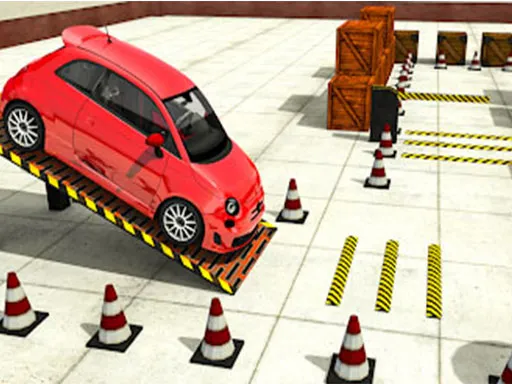
Foot down, eyes up. 3D Drive to Point sets you loose in a cool car and gives you a single job: grab every marker before the clock beats you. Everything else, including the speed, is up to you.
Each time you collect another batch of ten points the game moves up a level, and the pressure builds as the challenges get harder. Drive with the WASD keys and press P whenever you need to pause. A computer keyboard is the smoothest way to play, and quick rounds make it a decent choice for a short break.
Game details
| Genre | Racing |
|---|---|
| Controls | Keyboard |
| Platform | Browser, phone and tablet |
| Cost | Free, no download |
| Screen | 800 x 600 px |
How to play 3D Drive to Point
- Press W to speed up and S to slow down or reverse.
- Steer left and right with A and D.
- Drive through every point on the map before time is up.
- Reach ten points to move to a harder level.
- Press P to freeze the action.
Tips for 3D Drive to Point
- Plan a route that links the points in a loop so you waste no time turning around.
- Keep your speed up but brake slightly before sharp turns to avoid sliding wide.
- Pause with P if you need to rethink your next move.
Frequently asked questions
Is 3D Drive to Point free?
Yes. It is free in the browser, with no download or sign-up.
What controls does 3D Drive to Point use?
WASD steers and accelerates the car, and P pauses. It plays best on a computer keyboard.
How does the difficulty rise in 3D Drive to Point?
Every ten points you collect starts a new level, and each level is harder than the last.
More to play: Racing games · 3D games · Adventure games · Arcade games · Car games
Categories
Racing Adventure 3D Car Arcade
Tags Comments