
About Turbo Drift 2023
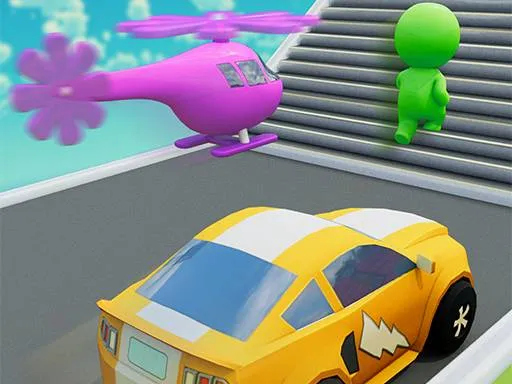
Slides are the whole point in Turbo Drift 2023. The game sends you along challenging tracks in high-performance cars, and rewards you for the way you take corners as much as for how fast you go.
Each car has its own pros and cons, and you can customize them to fit your style, so choosing a setup is part of the fun. Different game modes are mentioned, with time trials among them. You use WASD to control the car, which makes it simple to start and slow to master, because drifting depends on balancing throttle against steering. It runs in a browser on a computer or phone and needs no installation.
Game details
| Genre | Racing |
|---|---|
| Controls | Keyboard |
| Platform | Browser, phone and tablet |
| Cost | Free, no download |
| Screen | 800 x 600 px |
How to play Turbo Drift 2023
- Press W to accelerate and S to brake or reverse.
- Use A and D to steer into a drift.
- Choose a car and customize it to fit how you drive.
- Pick a mode, such as a time trial, and set your best result.
Tips for Turbo Drift 2023
- Lift the throttle slightly mid-corner so the car holds its slide.
- Pick a car with grip you trust before chasing a faster one.
- Use time trials to practice a track without any other pressure.
Frequently asked questions
Is Turbo Drift 2023 free to play?
Yes. It is free in your browser, with no download or sign-up.
How do I drive in Turbo Drift 2023?
Use WASD to accelerate, brake and steer. A keyboard on a computer works best, although the game also opens on phones.
Can I customize cars in Turbo Drift 2023?
Yes. There is a choice of fast cars, each with different pros and cons, and you can customize them to fit your style.
More to play: Racing games · Car games
Popular topics: android · cars · drift · drifting · driving · supercars





💬 Comments