Zombie Shooter 2D
Played 1 times.


About Zombie Shooter 2D
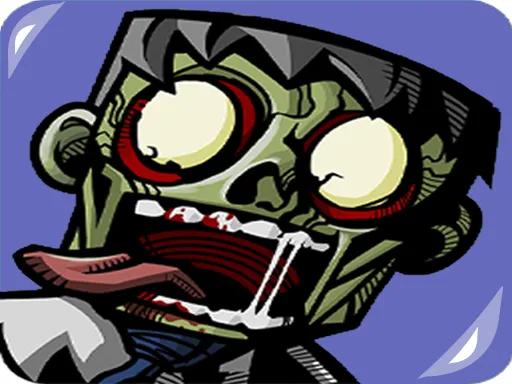
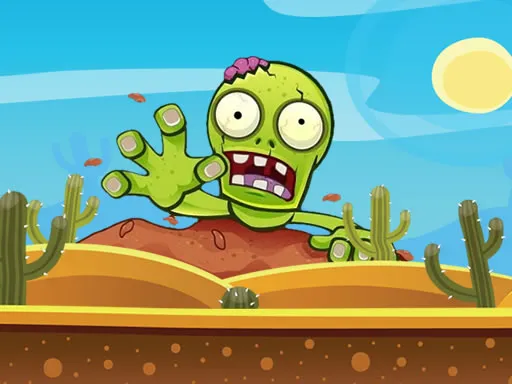
Fifteen levels stand between you and a zombie-free screen in Zombie Shooter 2D. It blends shooting with puzzle thinking, so a bit of planning helps as much as a steady hand.
The whole game runs from the mouse: line up your shot and click. Because the tags mention physics, think about how things might bounce or fall before you commit. The 2D graphics keep each stage clean and readable, and there is a Halloween flavour to the theme. It works in a desktop browser, and since the game is marked as mobile-friendly you can also try it on a touch screen.
Game details
| Genre | Shooting |
|---|---|
| Controls | Mouse or touch |
| Platform | Browser, phone and tablet |
| Cost | Free, no download |
| Screen | 960 x 600 px |
How to play Zombie Shooter 2D
- Study the level and see where the zombies are standing.
- Move the mouse to aim your weapon.
- Click to shoot.
- Use physics and angles to reach zombies that are hidden or far away.
- Clear all zombies to move on to the next of the 15 levels.
Tips for Zombie Shooter 2D
- Look at the whole level first, then pick the shot that handles the most zombies.
- Do not rush; there is no hurry, and a careful angle beats a quick miss.
- If a level seems stuck, try a different order of targets.
Frequently asked questions
Is Zombie Shooter 2D free?
Yes, Zombie Shooter 2D costs nothing and plays in your browser, with no download and no sign-up.
How do I control Zombie Shooter 2D?
Just use the mouse: move it to aim and click to shoot. It can also be played on touch screens.
How many levels does Zombie Shooter 2D have?
The game has 15 levels, each one a shooting puzzle where you work out how to take out the zombies.
More to play: Shooting games · Halloween games · Shooter games
Popular topics: 2d · gun · mobile · physics · shoot · weapons
Categories Tags Comments