Army War CS
Played 3 times.


About Army War CS
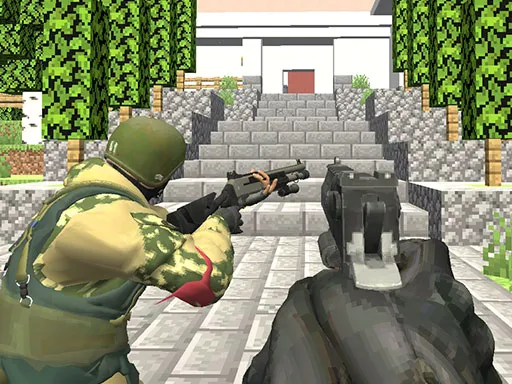
The brief is short: kill everyone. Army War CS does not bother with a long story, and instead delivers fifteen levels of 3D shooting with a choice of weapons.
You move with WASD or the arrow keys, sprint with Left Shift, jump with Space and crouch with Ctrl. The left mouse button fires, the right button aims, G throws a grenade and Tab pauses. Straightforward controls and a straightforward goal make it an easy shooter to jump into. It is built for a keyboard and mouse, so a computer is the best place to play it.
Game details
| Genre | Shooting |
|---|---|
| Controls | Keyboard + mouse or touch |
| Platform | Browser, phone and tablet |
| Cost | Free, no download |
| Screen | 960 x 600 px |
How to play Army War CS
- Move with WASD or the arrow keys and hold Left Shift to sprint.
- Aim with the right mouse button and fire with the left.
- Press Space to jump, Ctrl to crouch and G to throw a grenade.
- Press Tab to pause.
- Clear all 15 levels.
Tips for Army War CS
- Use grenades on groups of enemies instead of single targets.
- Crouch with Ctrl to steady your aim before firing.
- Try different weapons to see which one suits each level.
Frequently asked questions
Is Army War CS free to play?
Yes. Army War CS is free, plays in your browser and needs no download or sign-up.
What are the controls in Army War CS?
WASD or arrows move, Left Shift sprints, Space jumps, Ctrl crouches, left click fires, right click aims, G throws a grenade and Tab pauses.
How many levels does Army War CS have?
Army War CS has 15 levels and a selection of weapons to use.
More to play: Shooting games · Shooter games
Categories Tags Comments